Online stores · Planning your project
Having an online store built: how a professional store project works
An online store is not built in a single step. Between the initial idea and the first order lie decisions about products, systems, structure, data, payments, shipping and legal content. Knowing what information each phase requires helps you plan the project and avoid delays.
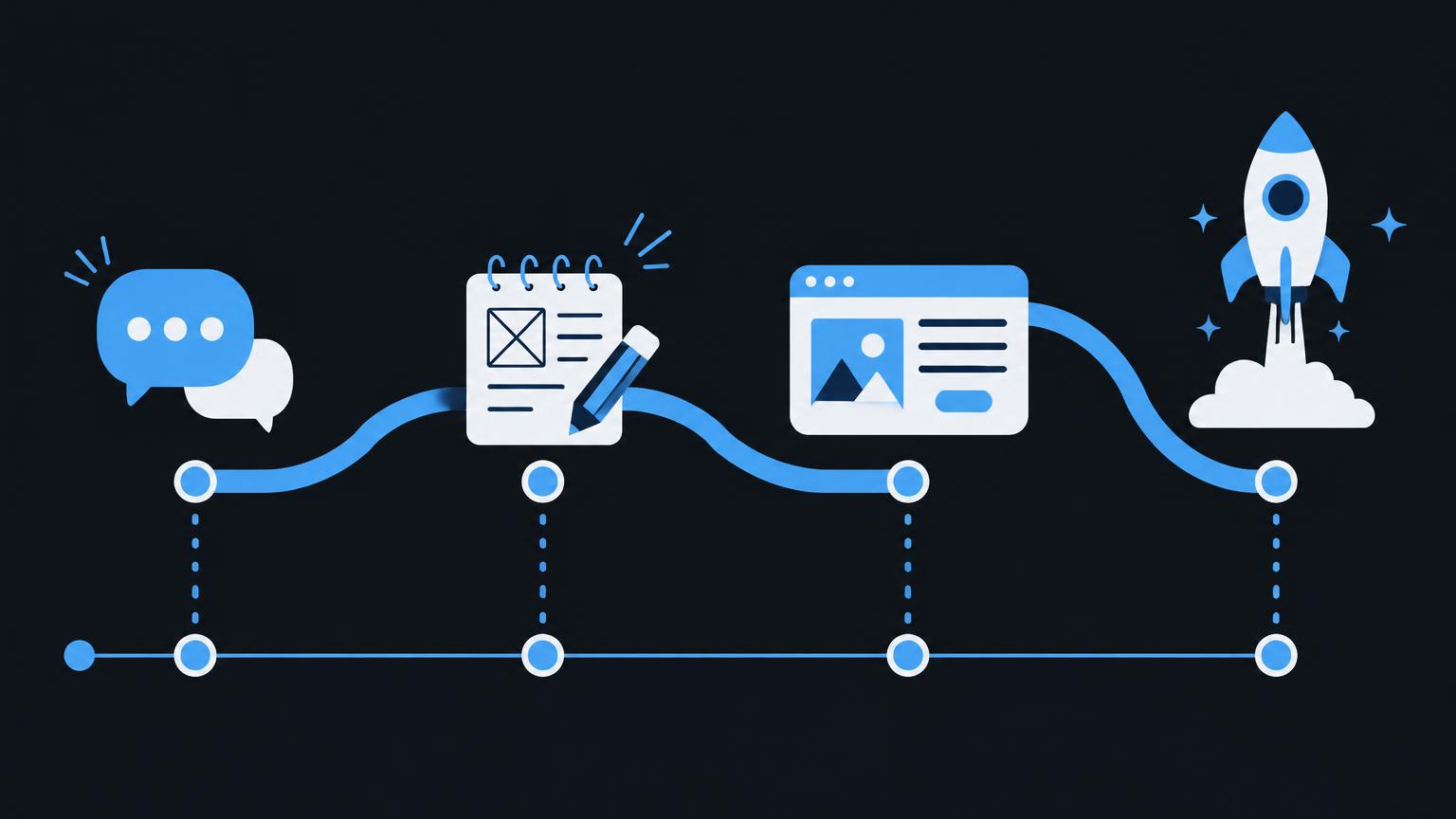
This article guides you through the typical phases of a store project. For each phase, it explains what your business contributes and what an agency can handle. The sequence is a guide: in practice, some steps run in parallel.
Goals, starting point, product range and audiences
The first question is what the shop should achieve. Do you want to give existing customers an easy way to order, reach new regions or sell a product online for the first time? Your goal determines which features are needed and which can wait.
Your product range is equally important. How many products are there, how do they differ and how often do they change? Do you sell to individuals, businesses or both? Business customers may expect payment by invoice and volume pricing, while consumers may want quick payment by card or app. These answers form the basis for every subsequent step.
An honest assessment of your resources is also helpful. How much time can your team spend each week on orders, customer enquiries and new products? A shop that is not maintained soon looks dated. This assessment determines how simple administration needs to be and which processes should be automated.
Gathering requirements and choosing an ecommerce system
Your goals and product range lead to a requirements list: payment methods, shipping options, languages, variants, discounts, integrations and staff roles. It helps to distinguish between essential, optional and later features. This keeps the launch manageable without blocking important future additions.
Only then is the system chosen. The choice between hosted platforms and self-managed solutions depends on who will handle technical work and maintenance. For a neutral overview, see Shopify, Wix or WooCommerce. Plans and feature limits must be checked at this stage, before implementation.
All phases at a glance
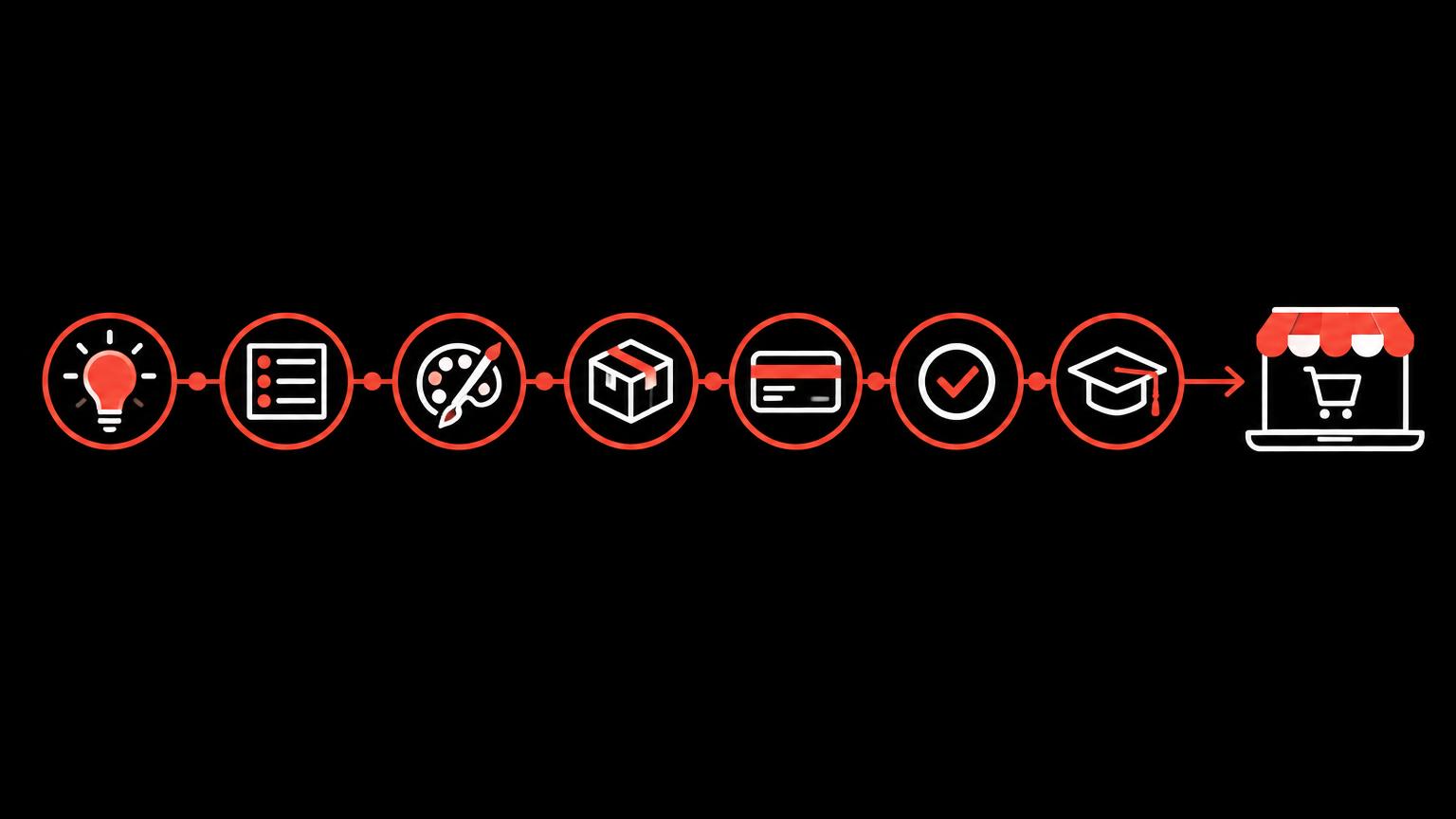
The following graphic shows the whole journey from initial analysis to ongoing support. It helps you identify where your project stands.
| Phase | Information needed | Business's role | Possible contribution from Widmer & Kunz |
|---|---|---|---|
| Analysis | Goals, product range, audiences | Describe the starting point | Ask questions, organise requirements |
| Concept | Essential and optional features | Set priorities | Suggest a system and structure |
| Data | Products, images, prices | Supply and approve data | Prepare the import, identify gaps |
| Design | Logo, colours, imagery | Review designs | Design page types |
| Setup | Payments, shipping, tax instructions | Open accounts, confirm instructions | Configure according to instructions |
| Content | Copy, legal content | Provide legal content | Add content and links |
| Testing | Test orders | Help check processes | Test the purchase journey |
| Launch | Domain, access credentials | Give approval | Launch and training |
Structure, navigation and product data
Before design begins, the shop needs a structure. Which categories will there be, what will they be called and in what order will they appear? Good navigation reflects how customers search, not your internal stock organisation. Content pages such as shipping information, contact and about us also belong in this planning stage.
Work on product data starts in parallel. This is often the most time-consuming phase, because information needs gathering, standardising and approving. Preparing product data properly for an online store explains how best to prepare it.
Developing the design and adding products
The design translates your brand into the shop's page types: homepage, category, product, basket and content pages. It makes sense to design a product page and a category page first, as these are visited most often. Mobile layouts are considered from the outset, since many visits come from smartphones.
Design also includes content that builds trust: clear shipping and returns information, easily accessible contact options and understandable information about your business. These pages are often underestimated, although customers deliberately visit them before a first purchase. Plan original copy for them rather than relying on template placeholders.
Designs are first presented as previews and only applied across all page types after your feedback. This resolves fundamental questions about colours, fonts and imagery before extensive detail work begins. When reviewing, focus less on personal preferences and more on whether customers can quickly find and understand products.
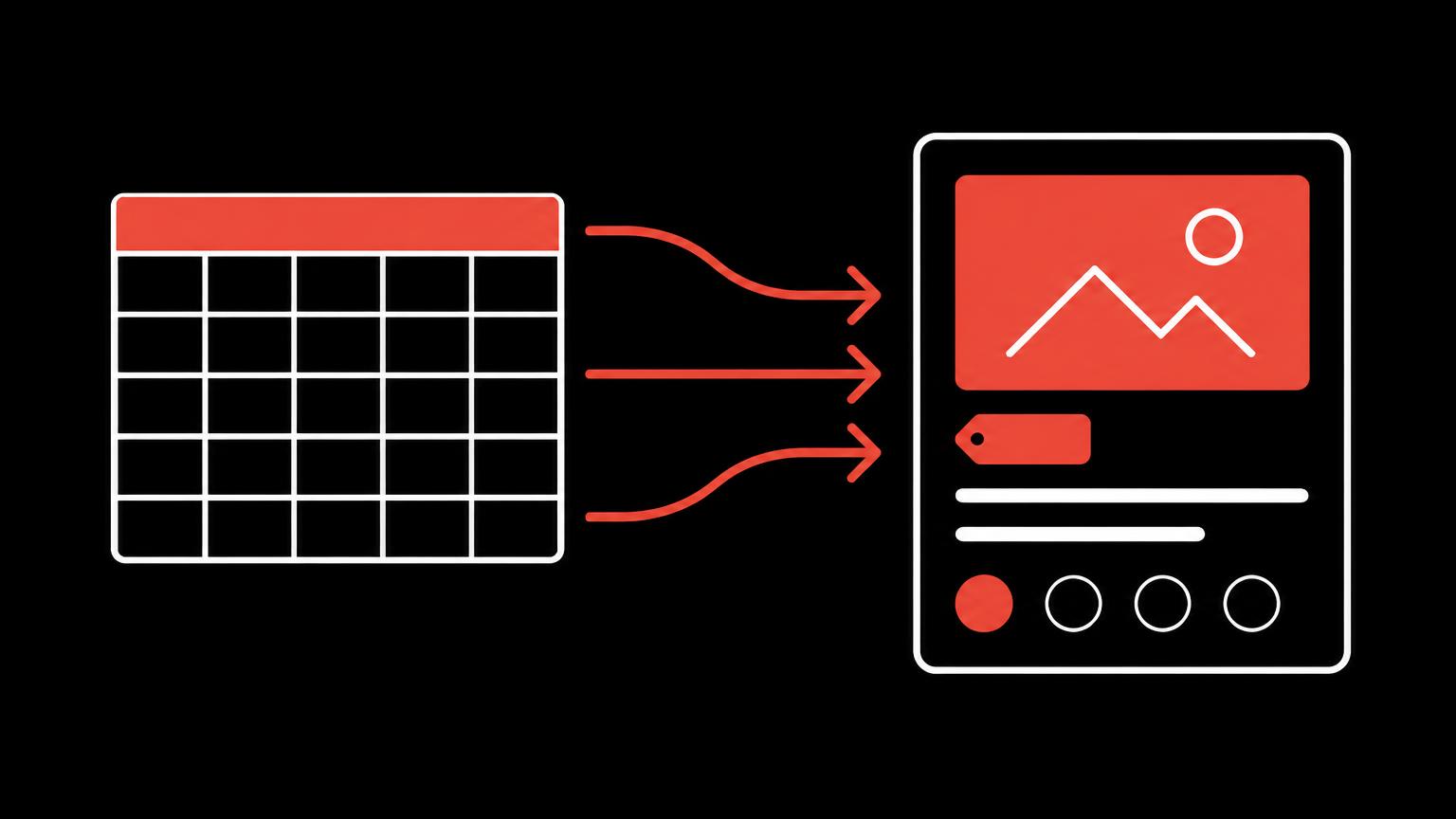
Products are then added, either through a spreadsheet import or manually, depending on the data available. The agreed scope specifies how many products are included in the project and which you will add yourself later. After importing, spot checks confirm that variants, images and categories are assigned correctly.
Payments, shipping, content and legal documents
Payment accounts are opened in your business's name because funds flow to your account. Shop setup requires your access credentials or an invitation to the account. Shipping methods, zones and costs are configured according to your instructions. We configure tax settings using your confirmed instructions; determining the rates is your responsibility or that of your accountant.
You or a qualified adviser provide legal content such as terms and conditions, the privacy notice and legal notice. These are added where needed and linked at checkout. Guidance on privacy notices is available from the FDPIC. Legal advice is not part of the project.
If you would like to plan your store project, tell us about your starting point and goals.
Send a non - binding enquiryTesting the purchase journey, search engine basics and tracking
Before launch, actual test orders are placed using different payment methods, shipping zones, discount codes and mobile devices. Order emails, stock deductions and how orders appear in the admin area are also checked. Faults found here would cause considerably more stress after launch.
Search engine basics include page titles, descriptions, meaningful URLs and image text, as described in Google's SEO Starter Guide. Analytics and advertising accounts are only activated after consent. If you plan to advertise later, a marketing review can establish the scope.
Test before launch
- An order with every activated payment method
- Shipping to every configured zone
- Collection, if offered
- Discount codes and gift vouchers
- Order confirmations and shipping emails
- Display on smartphones and computers
- Links to legal content at checkout
- Consent banner and analytics
Collaboration, approvals and communication
A store project depends on clear responsibilities. Your business needs someone who can make decisions and approve designs. If several departments are involved, such as sales, warehouse and accounting, gather their requirements early. Otherwise, late objections can force changes to work that was already complete.
Fixed approval points have proved useful: after the concept, after designing the main page types, after importing products and before launch. At each point, the result is checked against expectations. Changes after approval are possible, but should be deliberate decisions recorded in the scope.
What helps collaboration run smoothly
- One responsible contact with decision-making authority
- Consolidated feedback rather than numerous individual messages
- Documents in a shared folder
- Realistic deadlines for your own contributions
- Early arrangements for access to domain, payment and shipping accounts
Access issues in particular delay many projects. If the domain, business email or payment account is held by different people or providers, gather this information at the start. For questions about email addresses, see Business email.
Common pitfalls and how to avoid them
Most delays arise from missing materials rather than technical problems. Product photos still to be taken, legal content awaiting an adviser or prices not yet finalised can hold up the whole process. A realistic schedule accounts for these dependencies from the outset.
A second pitfall is an expanding wish list during the project. New ideas are welcome, but should not change the scope unnoticed. Record additional requests on a list for later development. This keeps the launch predictable without losing ideas. A third issue is maintenance: if you do not allow time for new products and orders after launch, you quickly lose track.
Where does your project stand?
Not every project starts from scratch. You may already have product photos, a domain or a chosen system. Use the example below to mark what is already available and see which steps make sense next.
- Sort requirements into essential, optional and later
- Choose a shop platform based on requirements
- Gather and standardise product data
Launch, training, handover and maintenance
Launch connects the shop to your domain and makes it publicly available. Afterwards, monitor the first orders particularly closely. For more on domains, see Domain support.
Training teaches you and your team to add and edit products, process orders and create promotions. Handover includes all access credentials so that the shop, domain and accounts are registered to your business. For later questions, website training or support by agreement is available. How much does a professional online store cost in Switzerland? explains operating costs.
Summary
- Goals and product range come before choosing a system.
- Product data often takes the most time and requires your approval.
- Payment accounts, tax instructions and legal content are your responsibility.
- Actual test orders before launch prevent problems later.
- Training and complete handover of access credentials make you independent.
Frequently asked questions
How long does a store project take?
That depends heavily on scope and the state of your data. If product data, images and legal content are ready, progress is much faster. We create a realistic schedule after the initial discussion.
What do I need to prepare myself?
Product data, images or an agreement on their creation, legal content, payment accounts and instructions for shipping and taxes. You also need someone who can assess and approve designs.
Who opens the payment accounts?
The accounts are registered to your business because payments go to your account. We help connect them to the shop once they exist.
Can you write the legal content?
No. You or a qualified adviser supply legal content. We add it to the shop and link to it in the right places.
What happens after launch?
You receive training and all access credentials. You can then maintain the shop yourself or arrange support.
Can I implement the project in stages?
Yes. Shops often launch with essential features, adding languages or integrations later. The important thing is that the system supports those steps.
Sources
- SEO Starter Guide: The BasicsGoogle · checked on 2026 - 11 - 05
- Privacy notices on the internetEDÖB · checked on 2026 - 11 - 05
- Shopify CheckoutShopify · checked on 2026 - 11 - 05
Back to the top of the article