Online stores · Understanding the systems
Shopify, Wix or WooCommerce: which ecommerce system suits your business?
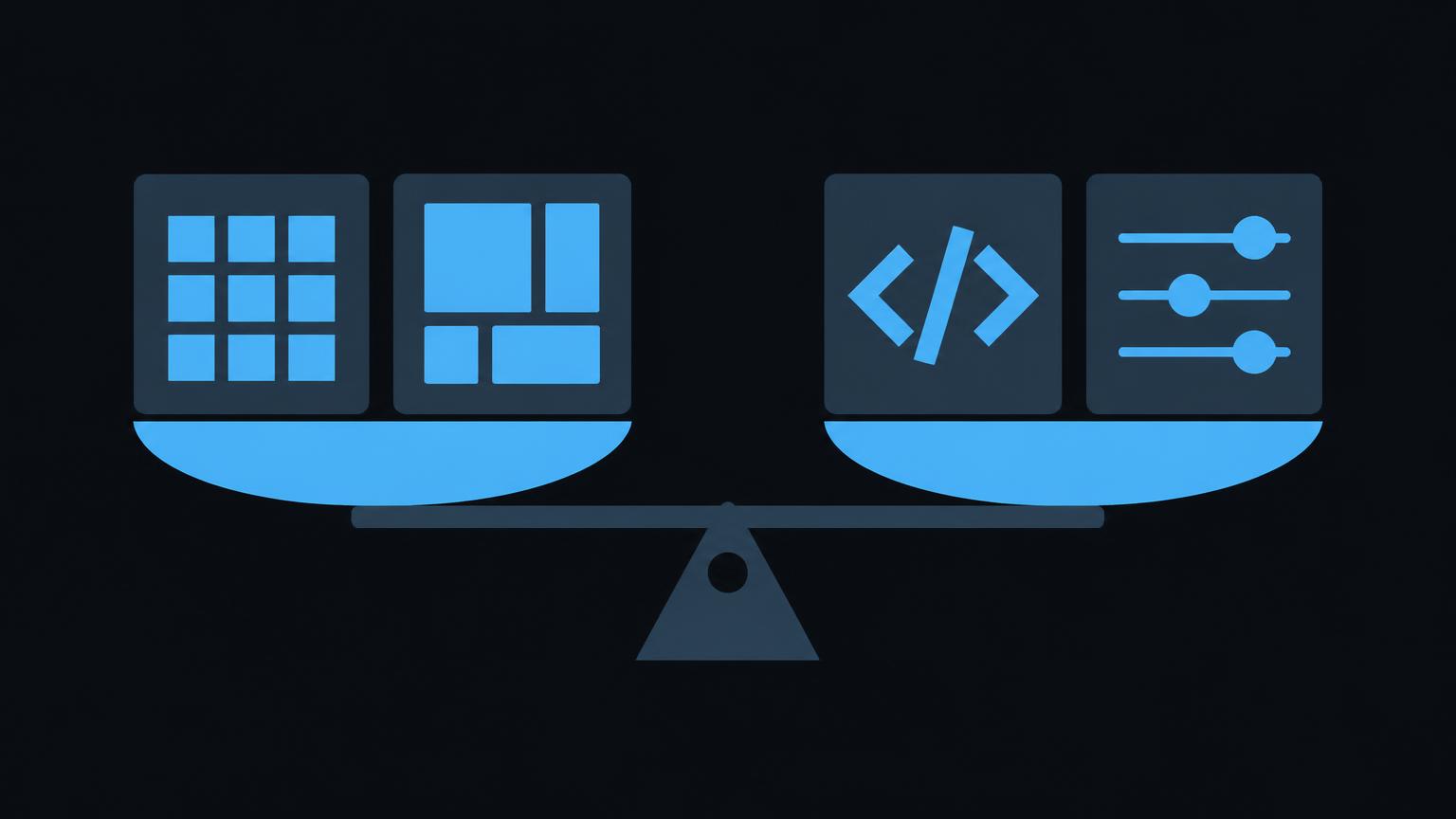
Shopify, Wix and WooCommerce are among the best-known ways to build an online store. All three can sell products, accept payments and manage shipping. However, they differ considerably in who handles the technical side, how freely you can design your shop and which ongoing tasks you need to take on.
This comparison does not name a winner. It explains the criteria you can use to assess the systems and the questions to resolve before deciding. Feature information is based on the providers' official help pages and may change as new plans are introduced.
How the three systems work
Shopify is a hosted ecommerce platform. You subscribe to the shop as a service; Shopify handles servers, security updates and checkout. Extensions come from an app store. You work in an administration interface designed around selling.
Wix is a website builder with ecommerce as one component. Wix Stores adds products, a basket and payments to a Wix website. The provider handles hosting here too. Its strength is visual editing, allowing you to design pages directly in the editor.
WooCommerce is an extension for WordPress. You install WordPress on your own hosting and add WooCommerce. This gives you considerable freedom, but also responsibility for hosting, updates, security and compatibility between extensions. Products are managed directly within WordPress, as the WooCommerce documentation explains.
A neutral comparison matrix
The following graphic sets out the systems against criteria that often determine ecommerce project decisions. It shows tendencies, not ratings. Logos identify the providers for information purposes; there is no partnership with them.



| Criterion | Shopify | Wix | WooCommerce |
|---|---|---|---|
| Usability | sales-focused administration | visual editor for website and shop | WordPress administration with an ecommerce area |
| Design | customisable themes | free-form design in the editor | themes and bespoke development |
| Maintenance | platform handles the technical side | platform handles the technical side | arrange updates and security yourself |
| Hosting | included in the service | included in the service | your own hosting required |
| Extensions | app store, some paid apps | Wix Apps, more limited selection | wide choice of plugins |
| Typical checks needed | plan, apps, payment providers | shop features available on each plan | hosting, plugin quality, maintenance |
Setup, usability and design
If you will maintain the shop yourself, look at its administration interface before deciding. Shopify clearly separates design from administration: products, orders and customers are managed in the admin area, while a theme controls appearance. This keeps everyday work organised but places some limits on free-form layouts.
Wix lets you position elements freely on the page. This is convenient for smaller shops where the website and store are closely connected. For large ranges, maintaining individual pages becomes more time-consuming unless templates are used consistently.
With WooCommerce, usability depends heavily on the chosen theme and plugins. Design freedom is extensive because almost anything can be programmed. However, that flexibility is only an advantage if someone can maintain it.
Product management, variants, categories and filters
All three systems support products with images, prices and descriptions. Differences emerge with variants and filters. WooCommerce uses variable products, combining attributes into variations. Wix manages product options within each product, as its help page on products in Wix Stores explains. Shopify uses options and variants per product and groups products into collections.
Limits on the number of options or variants per product differ and occasionally change. If your range has many combinations, this is a key point to check before implementation. The same applies to filters: how precisely customers can filter depends on the system, theme and, in some cases, extensions.
Payments, shipping and multiple languages
Swiss shops need to know which payment methods are available. Shopify documents payment methods with Shopify Payments in Switzerland. Wix connects payment providers through its settings, as described in Setting up payment methods. WooCommerce usually connects payment providers through extensions. In every case, terms and availability must be checked before implementation.
Shipping is configured using zones and rules in all three systems. WooCommerce explains this under shipping zones. Complex rules based on product groups or weight bands sometimes require additional extensions.
All three systems support multilingual shops, but use different approaches. Shopify uses Markets and localisation, Wix uses Wix Multilingual, and WooCommerce usually uses a translation plugin. Check whether order emails, legal content and filters can also be translated.
If you would like to discuss the right ecommerce system for your business, tell us about your starting point.
Send a non - binding enquiryExtensions, maintenance, hosting and ongoing costs
Shopify and Wix include hosting and security updates in their plans. You pay a monthly fee, plus payment fees and possibly app charges. WooCommerce itself is freely available, but hosting, maintenance, backups and paid extensions also create ongoing costs. An inexpensive start can become more costly later if nobody manages updates.
Extensions are a common pitfall. Every app and plugin brings its own fees, updates and dependencies. Before adding an extension for a feature, ask whether the core system already offers it or whether a simpler process would suffice.
Cost categories to compare for every system
- Monthly plan or hosting
- Fees per payment
- Costs for apps, plugins and themes
- Work involved in updates and security
- Backup costs
- Fees for additional languages or markets
- Time spent on your own maintenance
Dependence on plans and extensions
With hosted systems, the plan determines which features are available. Reports, staff roles, international selling or certain checkout customisations may require higher tiers. This is not inherently a disadvantage, but needs to be included in planning. If you choose a basic plan now, understand which future feature would trigger an upgrade.
With WooCommerce, this dependency shifts to plugins and hosting. A plugin may be discontinued, change provider or stop working with another plugin after an update. The fewer extensions a shop needs, the more stable it remains in operation. Good planning therefore also means deliberately leaving out rarely used features.
Whatever the system, document which extensions are in use, what they are for and who pays for them. This simple list makes later decisions easier, for example during an online store review or before expansion.
Suitability by project type
Before comparing systems, consider your day-to-day work. How many orders do you expect each week, who processes them and on which devices? How often are new products added? Which accounting or inventory systems do you already use? These questions may seem unremarkable, but they often determine the right solution more than individual features do.
For a shop focused on selling, where you do not want to handle technical matters, a hosted system such as Shopify is often a natural option to investigate. If you want to add a few products to an existing Wix website, Wix Stores may offer a shorter route. If you already have a WordPress website or need highly individual processes and can ensure maintenance, consider WooCommerce.
These suggestions are starting points, not rules. A large shop can work on Wix, and WooCommerce can make sense for a small shop. Your processes and resources are what matter. Use the selection tool below to weight criteria and see which questions follow from them.
Questions before deciding
Changing systems after a few years takes considerable work. It is therefore worth answering the following questions honestly before committing. Compare costs and features using the providers' current pricing pages.
Questions to check when choosing a system
- Who manages products and orders day to day?
- Who handles updates and security?
- How many variants and filters does your range need?
- Which payment methods matter to your customers?
- Do you need several languages or currencies?
- Do existing systems need to be connected?
- How far should the design depart from templates?
- What ongoing costs can you afford?
For more on cost factors, read How much does a professional online store cost in Switzerland?. The store project process explains what happens after choosing a system. For websites without ecommerce, there is a separate comparison of Wix, WordPress, Webflow and Lovable.
Widmer & Kunz works with different systems and chooses the right one together with you. Online store creation provides an overview.
Summary
- Shopify and Wix are hosted services; WooCommerce runs on your own WordPress hosting.
- Greater freedom generally also means greater responsibility for maintenance and security.
- Variants, filters, payments and languages are important checks before choosing.
- Extensions create ongoing costs and dependencies.
- The right system follows from your processes and resources, not a league table.
Frequently asked questions
Which ecommerce system is best?
There is no universal answer. Each system has strengths for particular starting points. Your range, internal resources and required features are decisive.
Is WooCommerce cheaper because the software is freely available?
Not necessarily. Hosting, maintenance, backups and paid extensions also cost money. Compare total costs over several years, rather than just the starting cost.
Can I change systems later?
Yes, but it involves considerable work. Products, customer data, order history, addresses and redirects must be transferred carefully. Choosing well at the outset saves this work.
Can I keep my existing Wix or WordPress website?
Often, yes. Wix Stores can be added to a Wix website, and WooCommerce to a WordPress website. Whether this makes sense depends on how well the existing site is maintained and how large the shop is intended to become.
Which payment methods are available in Switzerland?
That depends on the system and payment provider. Shopify and Wix document available methods in their help pages. Check terms and availability directly with the provider before implementation.
Do you work with all three systems?
We provide platform-neutral advice and set up the system that suits your project. We have no partnership with the providers mentioned.
Sources
- Adding and Managing ProductsWooCommerce · checked on 2026 - 11 - 05
- Variable ProductsWooCommerce · checked on 2026 - 11 - 05
- Setting up Shipping ZonesWooCommerce · checked on 2026 - 11 - 05
- Wix Stores: Adding and customising productsWix · checked on 2026 - 11 - 05
- Wix Stores: Setting up payment methodsWix · checked on 2026 - 11 - 05
- Wix Multilingual: Creating a multilingual storeWix · checked on 2026 - 11 - 05
- CollectionsShopify · checked on 2026 - 11 - 05
- Customer payment methods with Shopify Payments in SwitzerlandShopify · checked on 2026 - 11 - 05
- Setting up localization for marketsShopify · checked on 2026 - 11 - 05
Back to the top of the article