Online stores · Reviewing your shop
Online store analysis: areas you should review

Over time, an existing online store accumulates small inconsistencies. Categories grow without planning, product data becomes uneven, and extensions are added and forgotten. Individually, these issues seem harmless. Together, they make the shop harder to understand and more demanding to maintain.
A structured analysis provides an overview. This article explains which areas to review, which questions help and how to turn your findings into sensible priorities.
Starting with goals and metrics
An analysis begins not with the shop, but with what you want it to achieve. Do you want more orders, fewer enquiries, easier maintenance or new customer groups? Different goals bring different areas into focus.
Metrics help establish a baseline: order numbers, average order value, common landing pages or checkout abandonment. Shopify provides its own reports, and other systems offer comparable reporting. Figures alone do not explain why something happens. They show where closer investigation is worthwhile.
Before the analysis, define which questions it should answer and who will receive the results. An analysis for management needs a different summary from a task list for the team maintaining the shop daily. Also clarify whether it covers the whole shop or deliberately focuses on particular areas, such as the purchase process before an advertising campaign. Clear boundaries prevent the result becoming a long list without direction.
An overview of the review areas
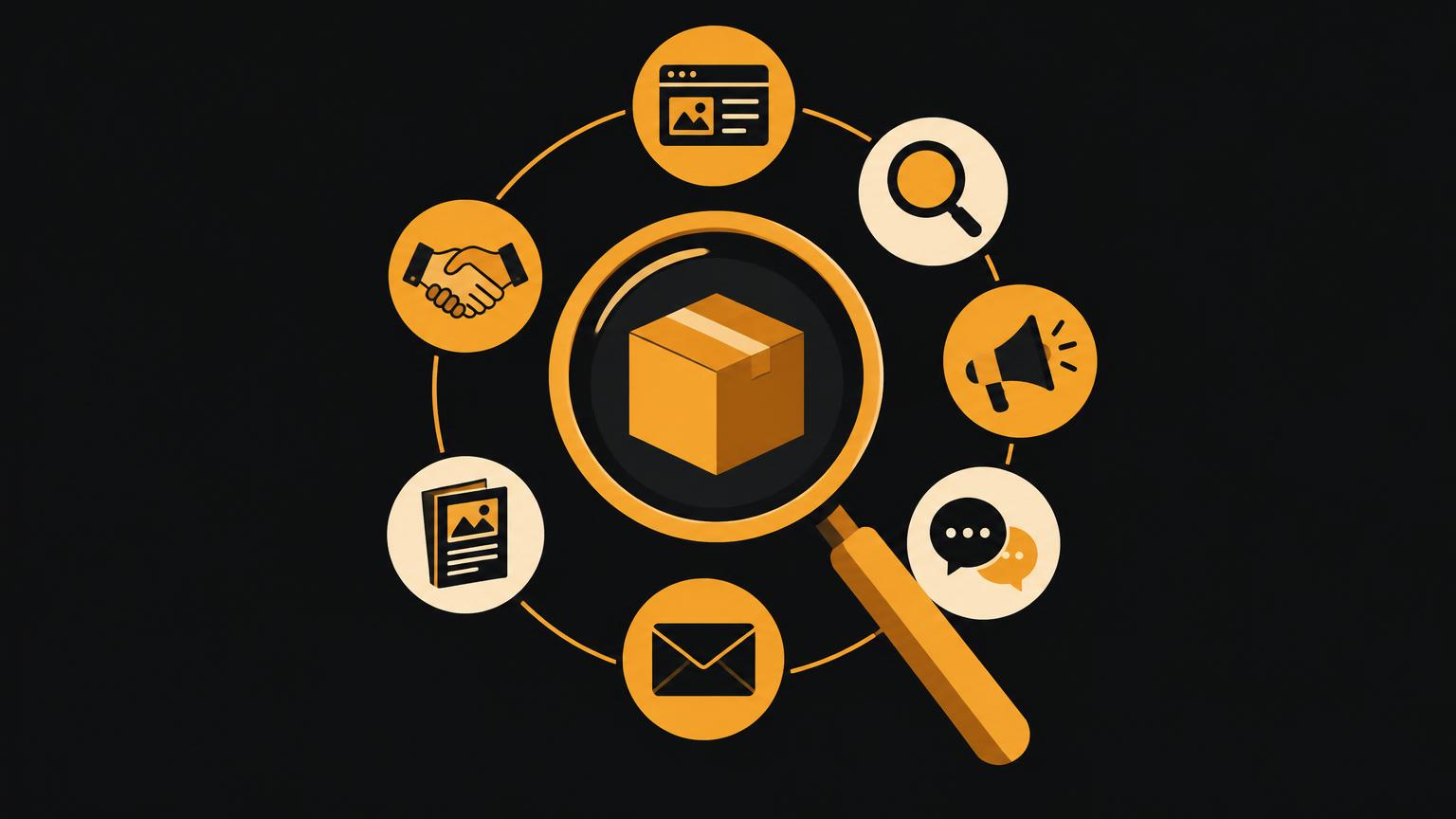
The graphic divides the analysis into seven areas: product range, content, technology, purchase process, visibility, measurement and administration. Each area includes several individual checks, described in the following sections.
Product range, product data and categories
First, check whether the range shown in the shop matches what you actually offer. Are unavailable products still displayed? Are new products missing? Can customers clearly distinguish similar products?
Product data should be complete and consistent: does every product have images, descriptions, variants and technical details? Are terms and units of measurement used consistently? Gaps become particularly apparent in filters, as products without maintained attributes disappear from the results. Read more in Preparing product data properly for an online store.
Categories should reflect how your customers search. Empty categories, categories containing only one product or very deep nesting suggest that the structure needs revising.
Filters, search and product pages
Test search using terms your customers actually use, including misspellings and plurals. Does it find what they expect? Does it offer helpful suggestions when nothing is found? Filters should offer only attributes maintained for most products.
The product page is often the shop’s most important page. Check whether images, price, variants, availability, shipping information and the add-to-basket button are visible at a glance. Does the description answer common questions? Are delivery times and shipping costs clear?
Mobile layout, basket and checkout
Check the shop on a real smartphone. Can you use menus, enlarge images and select variants without zooming? Does important information remain visible, or is it hidden inside expandable sections?
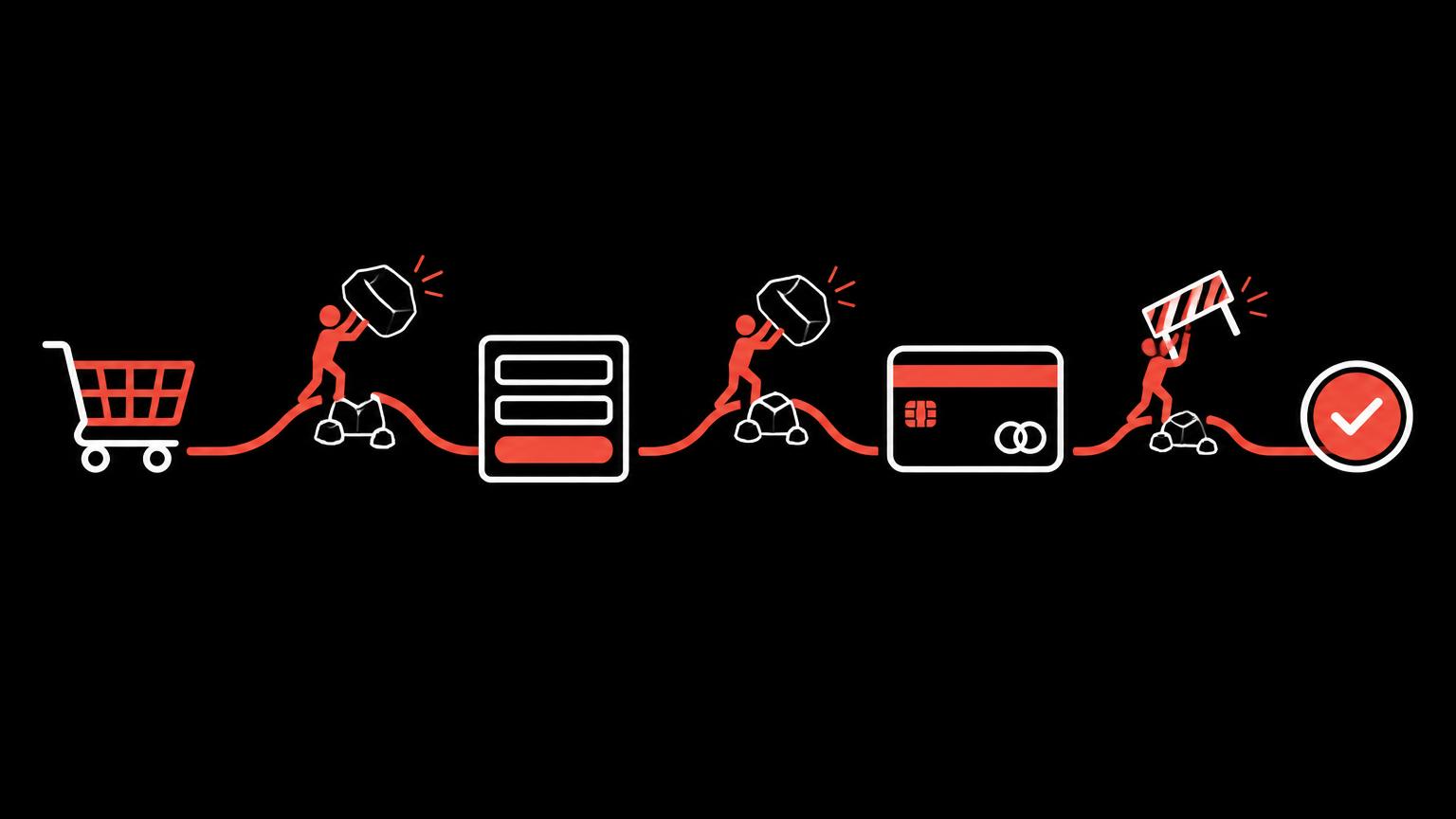
Clarity matters in the basket and checkout: visible total costs, understandable forms, suitable payment methods and helpful error messages. Complete a full test order and note every point where you hesitate. The article Checkout optimisation provides detailed checks.
Payment and shipping
Are all offered payment methods active and working? Do they suit your customers? Also check whether payment provider fees still meet your expectations. Shopify documents the payment methods for Switzerland; other providers publish their own overviews.
For shipping, review zones, rules and exceptions. Do the stored costs match your current rates? Are bulky products handled correctly? Is collection clearly explained? Planning shipping and collection for a Swiss online store covers this in detail.
Speed and search engine basics
Slow pages frustrate users, particularly on smartphones. Common causes include oversized images, numerous extensions and embedded third-party services. Measurement tools indicate trends, but results vary by device and connection. Rather than focusing on a single score, identify which pages feel noticeably slow.
Search engine basics include distinctive page titles, descriptions, meaningful URLs, descriptive image text and a clear structure, as outlined in Google’s SEO Starter Guide. Also check whether old URLs redirect correctly after changes. More in-depth visibility work is a separate service, such as SEO or GEO optimisation.
If you would like a structured review of your existing shop, tell us about your goals and questions.
Send a non - binding enquiryTracking, statistics, roles and access
Check which analytics and advertising tools are integrated and whether they activate only after consent. Are orders recorded correctly? Are there duplicate or outdated integrations? Reliable measurement underpins every later decision, including before a marketing analysis.
Administration involves access and roles. Who can access the shop, payment and shipping accounts, and domain? Do former employees or providers still have access? Shopify, for example, supports individual permissions. Each person should have only the permissions needed for their work.
Maintenance, extensions and training needs
List all extensions, apps and plugins. What is each used for, what does it cost and when was it last updated? Unused extensions incur costs and can slow the shop down or cause conflicts.
Ask your team which everyday tasks are cumbersome. If entering a product takes a long time or promotions require external help to set up, this may indicate a need for training or a simpler process. Targeted website training can help.
Also check whether processes are documented. If only one person knows how to set up promotions or change shipping rules, their absence can quickly create a bottleneck.
How to approach the analysis
An analysis works best from two perspectives. First, take the customer’s view: explore the shop as though visiting for the first time, find a product, compare variants and place an order. Then take the administrator’s view: review settings, access, extensions and behind-the-scenes processes.
For the customer perspective, use specific tasks, such as finding a particular product in a certain colour, identifying shipping costs or selecting collection. Ask people unfamiliar with the shop to carry out these tasks too. Observe where they hesitate without helping. These observations often reveal more than any figure.
For the administrative perspective, use a checklist: which settings are configured, which accounts connected and which extensions active? Record your findings, even if they initially seem unimportant. Many problems arise from combinations of individual settings.
Use everyday feedback
Your customer service team knows the most common questions. Repeated enquiries about delivery times, sizes or payment methods suggest that information is missing from the shop or difficult to find. Collect these questions for a few weeks before starting the analysis.
Assessing your shop with an example
In the following shop check, mark the areas where you suspect action is needed. The demo organises your choices into a priority overview. It does not scan a real website or save anything.
Prioritising improvements
An analysis usually produces a long list. Not everything needs immediate implementation. A simple ranking by impact and effort helps: issues directly preventing purchases come first. Next come changes that simplify maintenance, followed by improvements supporting long-term development.
| Review area | Key question | Possible indicator | Priority |
|---|---|---|---|
| Checkout | Can everyone order without obstacles? | Abandonment, payment enquiries | High |
| Product data | Is information complete and consistent? | Empty filters, missing images | High |
| Mobile layout | Can everything be used without zooming? | Small buttons, hidden information | High |
| Shipping | Are costs and rules correct? | Incorrect amounts at checkout | Medium to high |
| Search and filters | Can customers find what they need? | Empty search results | Medium |
| Access | Do only authorised staff have access? | Old user accounts | Medium |
| Extensions | Is every extension needed? | Unused paid apps | Medium |
| Visibility | Are the basics implemented properly? | Duplicate titles, missing image text | Medium |
Record the analysis results
- Goals and baseline metrics
- Findings for each area
- Estimated impact and effort
- Implementation order
- Person responsible for each issue
- Issues requiring professional advice
- Date for a follow-up review
The article Improve or rebuild your online store explains whether findings point towards targeted improvements or more substantial changes. Our Online store analysis service provides a structured review of your shop.
Summary
- An analysis begins with goals, not tools.
- Seven areas provide structure: product range, content, technology, purchase process, visibility, measurement and administration.
- Test search, product pages and checkout yourself on a smartphone.
- Review access and extensions regularly.
- Rank findings by impact and effort before implementing changes.
Frequently asked questions
How often should I analyse my online store?
A comprehensive review is worthwhile after major changes, before expansion or when enquiries and problems increase. Smaller checks, such as test orders, should form part of regular maintenance.
Can I carry out the analysis myself?
You can check many points yourself, for example through test orders and an extension inventory. An outside perspective helps identify familiar practices that people internally no longer notice.
Is access to my shop needed for an analysis?
For a complete analysis, yes, because settings, access and extensions are visible only in the administration area. Access is granted with restricted permissions and removed after the analysis.
Will I receive specific recommendations after the analysis?
Yes. Findings are organised by area with an estimate of impact and effort. Implementation is a separate step that you can undertake yourself or with support.
Does an analysis promise increased revenue?
No. An analysis identifies obstacles and opportunities for improvement. Whether improvements affect sales, and by how much, depends on many factors and cannot be guaranteed.
How much does an online store analysis cost?
That depends on the shop’s size and complexity. After a brief discussion about your shop and goals, you receive an assessment of the scope.
Sources
- Shopify analyticsShopify · checked on 2026 - 11 - 05
- Customer payment methods with Shopify Payments in SwitzerlandShopify · checked on 2026 - 11 - 05
- SEO Starter Guide: The BasicsGoogle · checked on 2026 - 11 - 05
- Store permissionsShopify · checked on 2026 - 11 - 05
Back to the top of the article