SEO and visibility · SEO and visibility
Optimise your Google Business Profile: the practical checklist
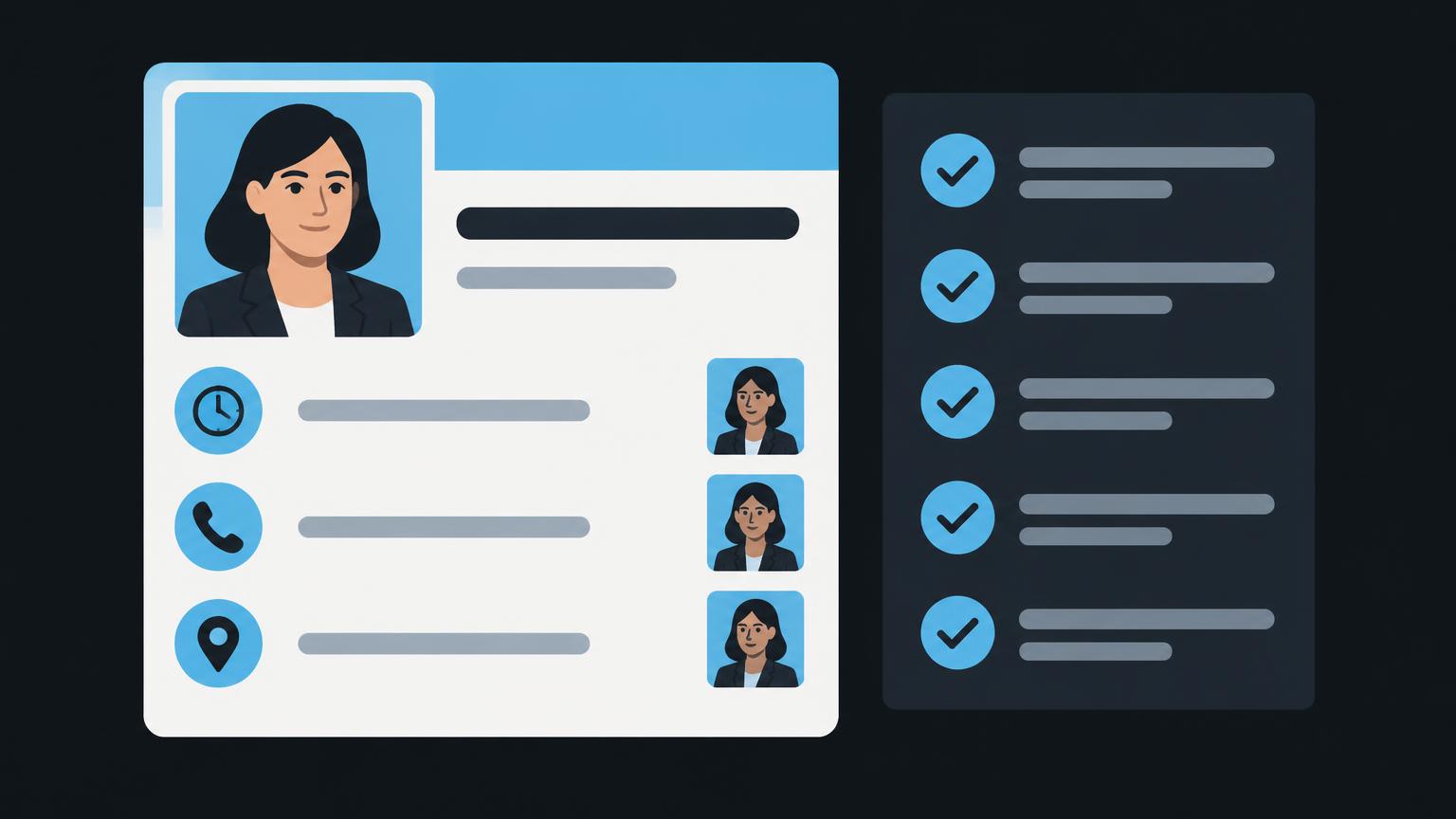
A Business Profile is often the first point of contact between your business and a prospective customer. Before visiting your website, people may check your opening hours, call your telephone number or plan their journey. An incorrect detail can therefore lead directly to a missed appointment or an unnecessary trip. Here, optimisation starts with reliability, not promotional language.
This checklist takes you from eligibility and access permissions through to ongoing maintenance. It helps you add missing details methodically and assign responsibilities. Which fields and features are available depends on factors including category, region, profile status and the interface used. Check before implementation: always work with the options your own profile actually offers.
1. Clarify eligibility, ownership and verification first
Before changing content, establish whether the business is eligible for a Business Profile and whether a listing already exists. Search for the actual name and address. Do not rush to create another listing simply because you cannot manage the existing one. A duplicate profile can unnecessarily complicate responsibilities and business information.
The business should retain long-term control of access. Use a clearly documented account structure and grant additional access selectively through the available roles. An external provider does not need the management team’s personal password. Document who owns the profile, who may edit content and how access will be revoked when staff change.
Google requires verification to check that you are authorised to represent the business. Which method is offered and whether verification is required again depend on the specific case. Check before implementation: follow the process in your own account and prepare only the evidence requested there. Do not promise a particular method or a fixed activation timeframe internally.
The official guidelines for representing your business provide the basis for your name, address and business model. If access permissions or eligibility remain unclear, resolve this before undertaking an extensive editorial revision. Otherwise, you may invest in information without being sure you will be able to manage it later.
2. Represent your name, address and customer visits truthfully
Enter the name by which your business is known in its real-world operations. Additional place names, service lists or promotional claims do not belong in the name field unless they form part of the name actually used. Use the designated fields for other information. This keeps the listing clear and consistent with your website and signage.
The key question for your address is whether customers can actually visit your location. For a business that receives customers, the details must precisely match the actual premises. Also check whether the entrance can be found and whether the map pin is positioned sensibly. A virtual address or letterbox must not be presented as a branch customers can visit.
If you work at your customers’ premises and do not receive anyone at your business address, this should be treated as a service-area business model. Hide an address not intended for customer visits in accordance with the guidelines. Businesses that receive customers and also provide services at customers’ premises must represent both situations accurately. Check before implementation: which display options are permitted by your business model and the current profile management tools.
Describe your service area using the places you actually serve. Entering a larger area creates neither additional branches nor guaranteed reach. Align these details with your website. The overview of local SEO for Swiss businesses explains why a genuine location and a service area should not be confused.
3. Choose categories and contact options carefully
Your primary category should describe your core business as accurately as possible. Rather than first asking which search term looks attractive, ask which type of business best explains what you do. Additional categories are intended for other activities you genuinely carry out. Choose only as many as needed and do not add categories for services you do not offer.
An individual service does not automatically require an additional category. Where a services section is available, specific offerings may be better placed there. Available categories and fields can change. Check before implementation: review the current selection in your profile and record why you chose a primary or additional category.
Test the telephone number from a prospective customer’s perspective. Does it reach the right business, is it answered during the stated hours and is clear information provided when nobody is available? The website address should lead to the appropriate official page. An unnecessary detour through a third-party intermediary website makes navigation harder and may create uncertainty about who is responsible.
If you have several genuine locations, a separate location page may make sense if it contains reliable information about that particular site. Check the destination on a smartphone and check for redirects. Do not link to an unfinished page. Management of your Google Business Profile should explicitly include these basic contact checks.
4. Maintain opening hours and exceptions reliably
Regular opening hours describe when your business is available for the stated purpose. Internally, distinguish between shop opening hours, telephone availability and appointment-only operation. If customers can only visit by appointment, the display must not misleadingly suggest a reception that is always open to visitors. Check the appropriate options for your business model in the profile management tools.
Special opening hours matter for days that differ from your regular schedule. In Switzerland, the relevance of public holidays can vary by location. Do not simply copy another branch’s calendar without checking it. Plan holidays, temporary closures and changed opening hours early, and cross-check the same details on your website and in other important directories.
A maintenance plan needs a responsible person, identified by name or role, and someone to cover for them. Record where that person obtains authoritative information. The following table is an organisational suggestion, not a frequency prescribed by Google. Adapt your checks to how quickly things change in your business.
| Profile area | Information needed | Responsible | Review interval |
|---|---|---|---|
| Name and location | Real-world business identity and address | Management | When changes occur |
| Categories and services | Services actually offered | Service lead | When services change |
| Contact and website | Working number and valid destination | Administration | Monthly and when changes occur |
| Opening hours | Regular hours and exceptions | Location manager | Before public holidays and holiday closures |
| Images and posts | Current approved content | Communications | Review as needed |
| Reviews and access | Responses and authorised people | Profile managers | Regularly and when staff change |
5. Write services and descriptions from the customer’s perspective
Describe services specifically enough for someone to judge whether they suit their needs. ‘Advice’ alone leaves much unanswered. The type of advice, intended audience and important limitations are more helpful. Stick to verifiable details and avoid commitments your team cannot fulfil in everyday work. A profile is no place for invented specialisations.
In the business description, you can explain what your business offers and what genuinely characterises its approach to work. Use clear sentences rather than a string of keywords. Under Google’s guidelines, links and promotions for special offers do not belong in this description field. Such content must not simply be moved to a supposedly more prominent position.
Align the description with the more detailed service information on your website. A profile can answer important questions briefly, while the website can explain processes and conditions in greater depth. The article on content for a good business website helps with this division of roles. If the offering itself is unclear, the work starts with an understandable service structure, not additional keywords.
For services with limited availability, state whether an appointment or preliminary discussion is required. Have the details approved by the relevant specialist. This prevents copy that sounds good but needs correcting with every enquiry. A clear description supports decision-making without promising a particular search ranking.
When you [enquire about your Google Business Profile](/anfrage/marketing?leistung=google - unternehmensprofil), we can support you with a structured review and ongoing maintenance.
Send a non - binding enquiry6. Use images, posts and questions purposefully
Current images can show what your location looks like and what people can expect on arrival. Use your own photographs or images you are legally entitled to use that show the actual business. Respect personal rights and watch for confidential documents and identifiable customer data. An attractive image of another business would not be a suitable illustration of your location.
Choose subjects that provide useful information: the actual entrance, guidance around the reception area or clear insights into the services offered. Review older photographs after renovations or a move. An image collection does not need to be as large as possible. What matters is that it does not create false expectations about premises, equipment or available services.
Posts can communicate current information if the feature is available for your profile. Plan them around genuine information needs rather than a supposed obligation to publish. A post does not replace correcting inaccurate opening hours in the designated field. Check before implementation: availability, content rules and any linking options for the relevant post type.
The availability and display of questions and answers can also differ by interface and profile. Check before implementation: does this section exist in your own profile, and what management options are available? Answer visible factual questions using verified information. If the feature is missing, do not create artificial posts as a substitute; provide important answers on your website instead.
7. Request reviews honestly and respond professionally
After a genuine customer experience, ask neutrally for an honest review. Do not make a review a condition of receiving a service, and do not offer discounts, gifts or other benefits in return. The official help page with tips to get more reviews emphasises genuine experiences and prohibits incentives. Purchased copy and invented customer testimonials are not an acceptable shortcut.
Set up a simple internal process for responses. Who may respond, which cases require consultation and when should an issue be moved to a private contact channel? A helpful response takes feedback seriously and sticks to the facts. Avoid aggressive justifications, personal accusations and information that could reveal confidential details of customer work.
A negative review is not prohibited simply because you disagree with it. If you suspect a specific breach of the rules, check the designated reporting process. Promise neither removal nor compensation through new positive reviews. Learn from recurring themes, such as unclear contact availability or misleading information. Often, the most important improvement lies in the business itself rather than the response text.
8. Check your progress without connecting to a profile
The interactive checklist works solely as a local guidance tool. You mark which details are present and have been checked. The demo shows outstanding areas but does not connect to a real Google account or change any listing. A fully completed checklist is neither Google approval nor a statement about your position in Maps. Use it as a working list for your team.
- Business name as used day to day
- Primary category
- Additional categories
- Address or service area
- Opening hours
- Special opening hours
- Telephone
- Website
- Services or products
- Description
- Your own up-to-date images
- Replies to reviews
Approval checklist before your next profile update
- Ownership and authorised access documented.
- Business name and actual business model checked.
- Address or service area represented correctly.
- Primary and additional categories approved by the relevant specialist.
- Telephone and website tested in practice.
- Regular hours, public holidays and holiday closures cross-checked.
- Services and description checked for accuracy and currency.
- Images, available posts and visible questions reviewed.
- Review responses organised without confidential information.
- Changes and the next review documented.
Prioritise outstanding items by their impact on real customer contact. An incorrect address or a telephone number that does not work is more urgent than an additional photograph. Also flag items that first require an internal decision. The checklist should support organised maintenance, not encourage people to add unchecked details simply to tick a box.
9. Track changes and assess their impact objectively
Not every saved change becomes visible immediately in the way you expect. Google may review details, reject them or request further evidence. The help page on editing your Business Profile describes access through Search and Maps and differences between management features. Check before implementation: the current status, available options and notices in the account concerned.
Keep a brief change log recording the date, field, previous content and approved new content. Then check the actual display, not just the editing form. Align changes with your contact page, location page and important directories. This makes it possible to establish whether a discrepancy is new or already existed before the last edit.
Monitor available profile statistics alongside genuine enquiries without treating different metrics as equivalent. A view is not a job, and a contact interaction does not yet prove that an enquiry is suitable. If measurement methods are unclear, a marketing analysis can help keep data sources and business objectives clearly separate. Paid adverts require their own evaluation and should not be used as evidence of the profile’s organic impact.
An accurate profile is one part of your local presence. Suitable services, a clear website and genuine contact availability remain equally important. Profile maintenance is traditional local search work, not a guarantee of a mention in generative systems. If you want to distinguish GEO from SEO, read the comparison of GEO and SEO. The same applies to Maps: a particular position cannot be guaranteed.
Summary
- Clarify access and eligibility before making editorial changes.
- Use your real name, correct address and actual service area.
- Choose categories according to your core business rather than desired keywords.
- Maintain opening hours and exceptions reliably.
- Base images and copy on genuine information needs.
- Request reviews without incentives and respond factually.
- Document changes and check that they appear correctly.
Frequently asked questions
May I add keywords to my business name?
The name must match your real-world business identity. Do not add services or places solely for search purposes. Other appropriate profile fields are available for this information.
Does my business address have to be publicly visible?
That depends on your business model and whether customers actually visit. If you work exclusively at customers’ premises, check the rules for service-area businesses and hiding your address. An invented location is not an alternative.
Which verification method can I choose?
The available options are shown during the specific process. You cannot assume that a particular method will be offered. Check the requirements directly in your own account.
How many additional categories make sense?
Choose only categories that describe other activities you genuinely carry out. The longest possible list is not an end in itself. First check which category best represents your core business.
Can an agency manage the profile without my sharing a password?
Use the designated access roles for authorised people. The business should retain control and document access clearly. Check the roles currently available before assigning them.
Why is a saved change not yet visible?
Changes may be reviewed or require further checks. Follow the notices in your profile and check the visible display again. A fixed timeframe for changes to appear cannot be promised.
May I offer a voucher in return for a review?
No. Google’s rules do not allow incentives in exchange for reviews. Instead, ask neutrally for an honest review of a genuine experience. Do not select only satisfied people.
Sources
- Guidelines for representing your business on Google - Google Business Profile Help Google · checked on 2026 - 11 - 05
- Edit your Business Profile - Google Business Profile Help Google · checked on 2026 - 11 - 05
- Tips to get more reviews - Google Business Profile Help Google · checked on 2026 - 11 - 05
- Improve your local ranking on Google - Google Business Profile Help Google · checked on 2026 - 11 - 05
Back to the top of the article