Web design · Organising content effectively
What content does a good business website need?
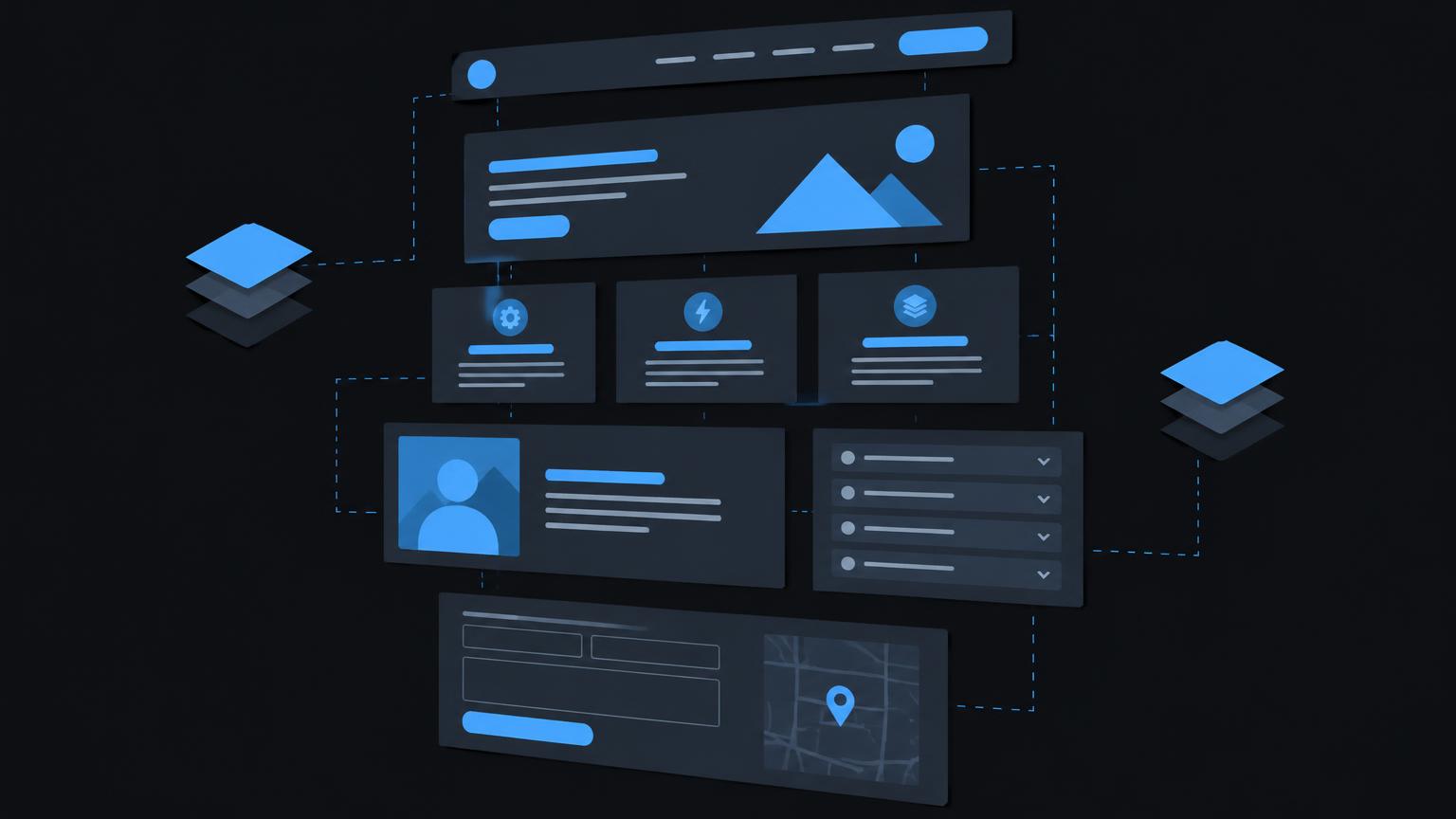
A business website must explain what you offer, who it suits and how interested visitors can take the next step. An attractive interface cannot replace these answers. Start with your customers' questions, then move on to individual pieces of copy.
Not every business needs the same pages. A regional specialist needs different information from a multilingual consultancy. The following structure helps you distinguish essential content from later additions and assign responsibility for its quality.
1. The homepage provides direction
State your offering, intended audience and the next sensible step on the homepage. Visitors should not have to work out from a generic slogan whether you can address their needs. A specific heading is more helpful than an interchangeable promise of quality.
From overview to the right detail page
Present your key services in a short overview and link to fuller information. Add credible evidence that builds trust and a clearly visible contact method. The homepage is a signpost, not a repository for every technical detail, company announcement and legal notice.
2. Services answer specific decision - making questions
Describe each main service from the perspective of someone with a specific need. What problem do you solve, what is included and where are the limits? Explain prerequisites, required documents and the usual next step without attempting to replace individual advice.
A separate page is worthwhile when a service answers distinct questions. Minor variations can often be explained on one page. Avoid near-identical pages differing only in place names or individual terms. Such repetition helps neither selection nor maintenance.
Google's official guide recommends helpful, well-organised content and clear links. This does not imply a ranking guarantee. For your editorial work, it primarily means structuring information clearly and reviewing it from visitors' perspectives: 1.
| Area | Visitor's question | Suitable content |
|---|---|---|
| Homepage | Am I in the right place? | Offering and direction |
| Service | Does this suit my needs? | Scope and prerequisites |
| Working approach | What happens next? | Steps and responsibilities |
| Contact | How can I reach you? | Contact methods and availability |
3. About us, working approach and genuine trust
Make people and responsibilities visible
A good company page explains who is responsible and which experience is relevant to your offering. Introduce the team only in as much detail as helps your audiences decide. Personal details and photographs require proper internal agreement with the people concerned.
Build trust through verifiable information rather than generic quality claims. This might include relevant qualifications, current memberships or a clearly named contact. When using accreditation marks, check that you are actually entitled to use them and that the entitlement remains valid.
Explain your approach and references clearly
Describe your working approach in a few clear steps: enquiry, clarification, proposal, delivery and handover might be a starting point. Your actual process is what matters. Also state when customers must supply information or make decisions to avoid false expectations.
Publish references only with genuine permission. Record whether names, images, logos and quotations may be used and the context covered by consent. Do not invent project stories. Without permission, an explicitly hypothetical process example is the more honest alternative.
4. Contact methods, forms and clear calls to action
Your contact page should bring together accessible contact methods, a responsible contact and realistic information about handling enquiries. Include opening or telephone hours where relevant. Do not promise a response time that cannot reliably be met in everyday work.
A call to action should explain what happens next. “Discuss an enquiry” or “Request an appointment” is more specific than a vague “Continue”. Not every page needs several equally prominent buttons. Choose one main action and add an alternative contact method for people who prefer not to use a form.
Ask only for necessary information
A form should request only the information needed to handle the particular enquiry. Label fields clearly and distinguish required details from optional information. For uploads, explain permitted file types and limits. A clear confirmation must show whether submission actually succeeded.
Plan for errors too: are previously entered details retained, is the problem clearly identified and can the person continue? Also check who receives the message and who covers absences. A well-written contact section is of little use if nobody internally is responsible for replying.
5. Locations, service areas and legal information
Distinguish actual premises from areas where you provide services. A delivery region is not a branch. For addresses visitors can attend, give relevant details about appointments, access and directions. A map can supplement, but must not replace, a readable address and clear directions.
A privacy notice based on actual processing
Legal pages must not be copied from another website. Establish which providers, forms, analytics tools, embedded media and other services are actually used. Only on this basis can accurate information be prepared and the requirements applicable to your operation assessed.
The FDPIC explains that privacy notices should transparently describe the processing of personal data. Record the controller, purposes and any further required details based on your actual data flows. Your particular website and the applicable rules are decisive: Privacy notices online.
An online shop, industry-specific requirements or cross-border offerings may raise additional questions. Seek specialist review where needed. Treat legal content as an ongoing task: a new booking tool or additional video service may require another review.
6. Images and videos serve a specific purpose
Choose images according to the information they convey. A real working environment, a meaningful close-up or an explanatory diagram may be more useful than a generic stock image. Check usage rights and consent from identifiable people before publication, not only after someone raises a question.
Descriptive alternative text explains informative images to people who cannot see them. Purely decorative images should not generate unnecessary descriptions. Avoid putting important details only in an image: they must also be available as accessible text.
A video is worthwhile when movement, a demonstration or a personal explanation improves understanding. Also provide the key points as text and plan subtitles. Before embedding external content, establish which data is transferred and whether a privacy-compliant alternative is required.
If you would like to review your content structure together, you can make a no - obligation enquiry about preparing your website.
Send a non - binding enquiry7. Use FAQs, a blog and vacancies selectively
Frequently asked questions should come from real conversations, enquiries or recurring misunderstandings. Explain, for example, which documents are needed or whether a service is delivered on site. Do not hide essential service conditions exclusively in an FAQ; explain them in the relevant place too.
A blog makes sense if you can answer recurring advisory questions thoroughly and keep articles up to date. It does not replace complete service pages. Start with a few well-supported topics rather than a large collection of superficial articles for which nobody later takes responsibility.
Vacancies need clear duties, requirements, a workplace location and a suitable application method. Name a responsible contact and check how application documents are handled. If you are not recruiting, a permanently empty vacancies page is often unnecessary. Remove expired listings promptly or clearly mark them as closed.
8. Define languages, updates and responsibilities
Choose languages based on your audiences and the support you can actually provide. A translated homepage is not enough if the subsequent enquiry process is understandable only in another language. Treat navigation, service descriptions, form guidance, confirmations and legal information as one connected journey.
List a responsible person and deputy for each content area. Also define triggers for immediate review, such as changed contact hours, new services or staff changes. Regular review dates help with stable content but do not replace responding to specific changes.
Prepare the editorial handover
- Every main page has a defined purpose and audience.
- Factual statements have an assigned reviewer.
- Image rights and permissions for references are documented.
- Contact methods and forms have been checked with a real test enquiry.
- Changes are carried through in every offered language.
- A named deputy can correct outdated content.
If several people edit content, define who drafts and who publishes. Brief website maintenance training can support this handover. Keep credentials separate from the editorial overview and grant only the permissions actually needed.
9. Your local content checklist
Use the interactive checklist to mark areas already clarified. Treat progress as a basis for discussion, not a quality score. An unchecked item may be deliberately omitted if it serves no purpose for your business. What matters is a reasoned decision, not a completely filled display.
The checklist works entirely locally in the current view. It neither stores nor sends anything. Reloading clears your selections. Transfer outstanding tasks to your internal planning yourself if needed, and do not enter confidential details here.
Finally, review a complete visitor journey: from the homepage through a service to an enquiry. Are all necessary questions answered without moving between contradictory details? Read through this journey on a smartphone too and ask someone unfamiliar with your offering to test it.
10. Related topics for further preparation
The website planning questions help connect content with goals and responsibilities. The website creation process shows when copy and approvals are needed. For several target languages, the article on a multilingual website complements editorial preparation.
Once the basic structure is established, you can address open questions about creating a website specifically. Bring your planned pages, existing materials and unresolved responsibilities. This makes clear which editorial tasks must be completed before design and which can run in parallel.
Summary
- Plan every page around a specific question from your audience.
- Explain your offering, approach and contact methods before adding further content.
- Use only approved references and images you are legally entitled to use.
- Match forms and privacy information to actual data flows.
- Plan translations, specialist approvals and maintenance together.
- Check the complete journey from initial orientation to enquiry.
Frequently asked questions
How many pages does a business website need?
The right number depends on your offering and information needs. Separate topics when they answer different decision-making questions. A fixed page count without reviewing your content is not a sensible requirement.
Does every service need its own page?
No. Closely related services can be explained clearly together. A separate page makes sense when scope, audience or prerequisites differ substantially. Avoid duplicate descriptions without added value.
Does a small business need a blog?
Only if relevant topics and time to maintain them are available. Complete service pages and working contact methods take priority initially. A neglected blog is no substitute for current core information.
May I name customers as references?
Use names, logos and statements only with appropriate genuine permission. Document the agreed scope of use. Without permission, you can instead explain an example clearly labelled as hypothetical.
How often should content be checked?
Set an appropriate review cycle for each area. Contact details, vacancies and time-sensitive information also need checking whenever they change. Assign a responsible person and deputy.
Will my checklist selections be saved?
No. The local checklist neither stores nor sends data. Reloading resets the selection. Record important outstanding tasks yourself in your internal planning.
Sources
- Privacy notices onlineFederal Data Protection and Information Commissioner FDPIC · checked on 2026 - 11 - 05
- SEO Starter Guide: The Basics | Google Search Central | Documentation | Google for DevelopersGoogle Search Central · checked on 2026 - 11 - 05
Back to the top of the article