Additional services · Additional services
Website training: useful topics for businesses
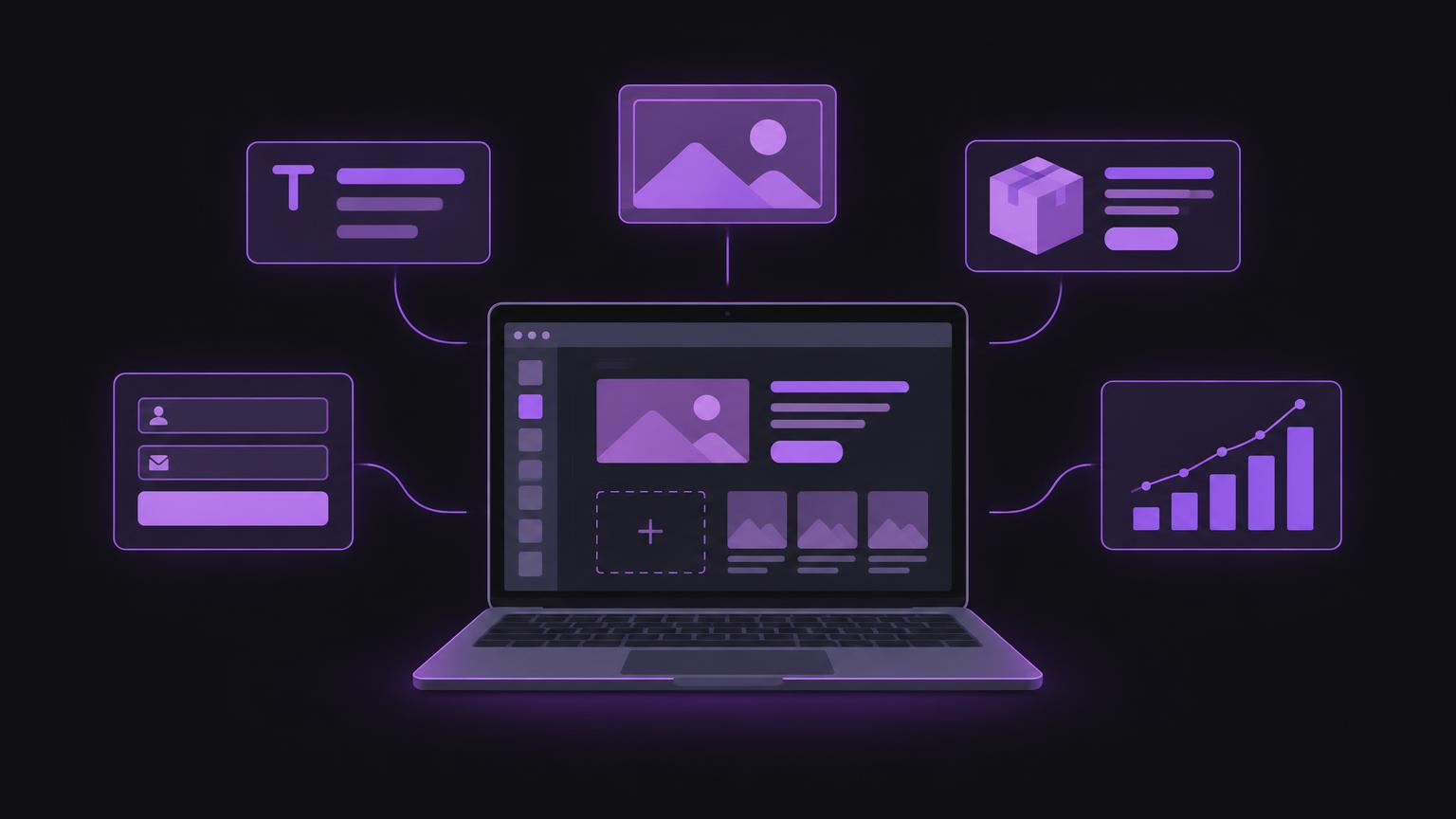
After a website handover, many businesses want to update content themselves and handle recurring tasks directly. Training can provide guidance: you learn your way around the relevant areas of your system and practise typical tasks on your own website.
The topics that make sense depend on your platform, roles and workflows. Not every change belongs in day-to-day content management. Establish beforehand which tasks your team wants to handle and where technical support will still be needed.
Start with tasks rather than menus
Useful training does not begin with a complete tour of every menu. First collect specific situations: correcting text, replacing an image, publishing a post or finding an enquiry. These determine which areas of the system matter and how much practice is needed. This keeps training focused on everyday work and avoids features your team does not use.
Also discuss who creates, checks and approves content. Clear responsibilities help when several people are involved. Prepare sample tasks and questions, and record which changes are permitted in the live system. Login details should be assigned to individuals and not shared unnecessarily. The available roles depend on the system used.
| Training topic | Suitable for | Access required | Possible learning objective |
|---|---|---|---|
| Text and images | Editorial and communications staff | Content editing | Update page content safely |
| Products and orders | Online shop team | Shop administration | Maintain products and process orders |
| Forms and enquiries | Customer service | Form or mailbox access | Check incoming enquiries and assign responsibility |
| Visibility | Marketing team | Website and analytics access | Understand SEO information and interpret basic data |
| Administration | People responsible for the website | A role with suitable permissions | Manage approvals and access in an organised way |
Account access, roles and secure responsibilities
Before training, you should know how to sign in and which role you have. Website access may be separate from hosting, domain administration, email and analytics access. Editorial training does not automatically require administrator access. Grant only the permissions needed for the intended tasks. If you have questions about roles, contact the responsible specialist or system provider.
Show how to manage login details securely and whom staff should contact if they lose access. Multi-factor authentication may be available depending on the platform and should be configured where appropriate. Individual user accounts make changes easier to attribute. Access must be adjusted when someone leaves or changes roles. Training does not replace organisational procedures for user administration, backups or security incidents.
Edit text, images and new pages
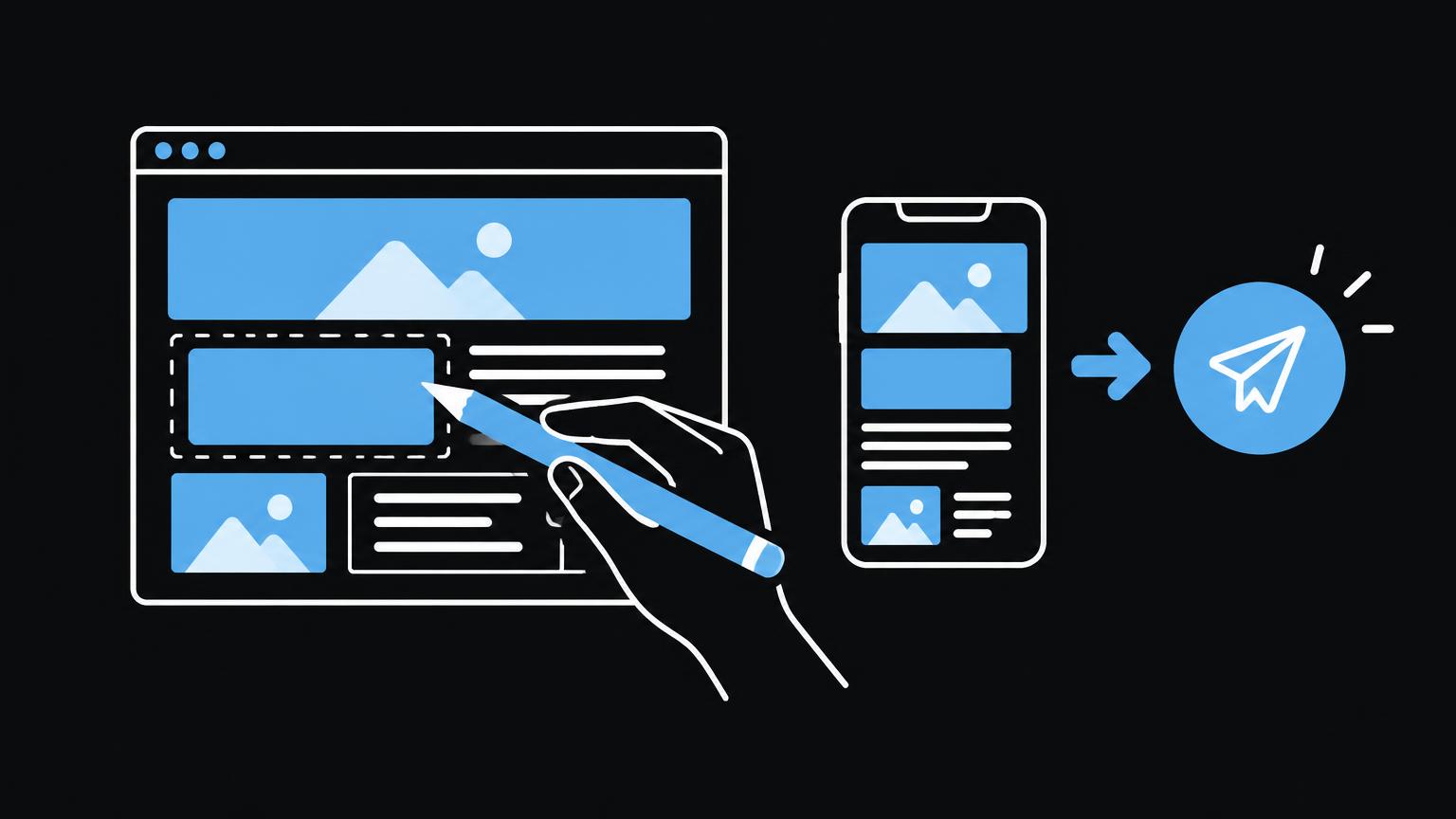
For text, participants practise finding the right content, saving changes and checking the preview before publication. Discuss headings, links, lists and readability. Do not assess changes only in the editor: templates and responsive design can make the published page look different. Decide whether text should first be saved as a draft and approved internally.
The basics of replacing images include file selection, cropping, meaningful naming and alternative text. Images should fit the intended space and be checked on mobile devices. Alternative text describes an image's informational value in context; purely decorative images do not necessarily need a descriptive phrase. New pages and navigation entries require additional care: check the title, URL, links, mobile display and whether the page appears in the appropriate menu.
For blog articles, a repeatable process from drafting through proofreading to publication is worthwhile. Practise categories, featured images, previews and internal links. SEO titles and meta descriptions can be edited if the system provides the relevant fields. Explain that these should be clear and match the content, but do not guarantee a particular search-engine ranking. Changes to URL structures can affect existing references and should not be made casually.
Products, orders and forms
For an online shop, training topics may include product information, categories and variants. A variant can represent different versions of an item, for example, if the shop system supports this. Show which details staff may maintain themselves and how a change can affect the display or ordering process. Prices, availability and product presentation must be checked internally before publication; the training itself does not determine operational values.
Processing orders is a separate workflow. Show where order status and relevant details appear and which internal steps are required. Avoid participants using customer data unnecessarily for practice. Forms and enquiries should also have clear responsibilities: who checks incoming submissions, how are errors reported and how is a test carried out? Training should not promise a data protection guarantee; internal rules and the systems used need separate assessment.
- Edit content
- Replace images and add alternative text
Enquire about website training and discuss which tasks your team would like to handle independently in future.
Send a non - binding enquiryNavigation, mobile display and visibility
Navigation should remain understandable as content is added. Practise adjusting menu items, then check all relevant pages. Too many entries can make navigation harder. Some systems separate menus from page hierarchies; explain where the actual structure is maintained.
Demonstrate the preview at narrow and wide widths. Check not only text but also images, buttons, tables and forms. A page may look correct in the editor yet still be awkward on a mobile device. Show how to use the available preview and test important actions before publication.
Analytics and Search Console can help you interpret usage and technical information. Basic training provides orientation: where are reports, which periods are compared and which data are not immediately available? Avoid drawing sweeping conclusions from individual figures. Check access, measurement configuration and consent requirements before implementation. Separate training or professional support may be useful for more detailed technical analysis.
Publish, back up and avoid mistakes
A clear publishing process reduces unintended changes. Agree a sequence: edit the content, check the preview, test links, obtain approval and only then publish. Afterwards, check the live page. Typical mistakes include missing headings, incorrect links, oversized images, accidentally removed content or changes made without approval. A short checklist can help, but does not replace an understanding of the website.
Backup and recovery belong in training for the people responsible, not necessarily every member of the editorial team. Explain who monitors backups, how to request recovery and what restoring an earlier state can affect. A backup is useful only when responsibility and the recovery route are clear. Do not carry out a restore without appropriate permission and an agreed procedure.
A simple learning process
- Prepare
Clarify tasks, participants, account access and required permissions.
- Demo nstrate
Show a typical workflow in the system being used.
- Practise
Participants carry out the same task themselves in a preview or agreed environment.
- Document
Record steps, approvals and outstanding questions in an internal guide.
Recognise boundaries and plan support
Not every change is a content task. Adjustments to templates, integrations, databases, DNS, tracking or complex forms may require technical knowledge and testing. Training should make these boundaries clear so that staff do not experiment with critical settings because they are unsure. Agree which cases will be handled internally and when a specialist should be involved.
A concise reference is useful after training: documented steps, a contact for access problems and a clear approval process. Revisit infrequent tasks when necessary. New staff may need an introduction, and system changes can alter existing workflows. Good training makes your team more capable, but does not promise that every technical task can be resolved without external support.
Planning training for your team
- Collect tasks that arise regularly in everyday work.
- Define participants and suitable roles.
- Check website access and required permissions beforehand.
- Practise text, images, pages or shop workflows in the actual system.
- Include previews, mobile checks and the approval process.
- Clarify responsibility for backups, recovery and technical questions.
Summary
- Choose training content around your team's tasks.
- Clarify account access and permissions before training.
- Practise changes and previews in the actual system.
- Define who checks and publishes content.
- Technical interventions and recovery require clear responsibility.
Frequently asked questions
Does every member of staff need administrator access?
Not necessarily. Permissions should match the tasks. Restricted roles may suffice for editorial work, depending on the platform and configuration.
Can my team create new pages after training?
That depends on the system and the configured templates and permissions. Training can teach the intended workflow, but should also explain design boundaries.
Should products and orders be covered in the same training?
They can be covered together if the same people are responsible for both. Product maintenance and order processing are different workflows and should each be practised.
Who should edit SEO titles and meta descriptions?
A trained editorial or marketing team member can maintain these fields if they are available in the system. Changes should match the page content; they cannot guarantee particular search results.
Does training cover backup and recovery?
This can be included as a separate topic. Clarify who is authorised to manage backups and carry out restores, as these steps can affect ongoing operation.
When is professional support useful?
The responsible specialist should be involved in technical changes, integrations, tracking problems, security questions or changes that could affect the entire website.
Sources
- Roles and CapabilitiesWordPress.org · checked on 2026 - 11 - 05
- Setting up and managing AnalyticsGoogle Analytics Hilfe · checked on 2026 - 11 - 05
Back to the top of the article