Additional services · Additional services
How to plan a domain change
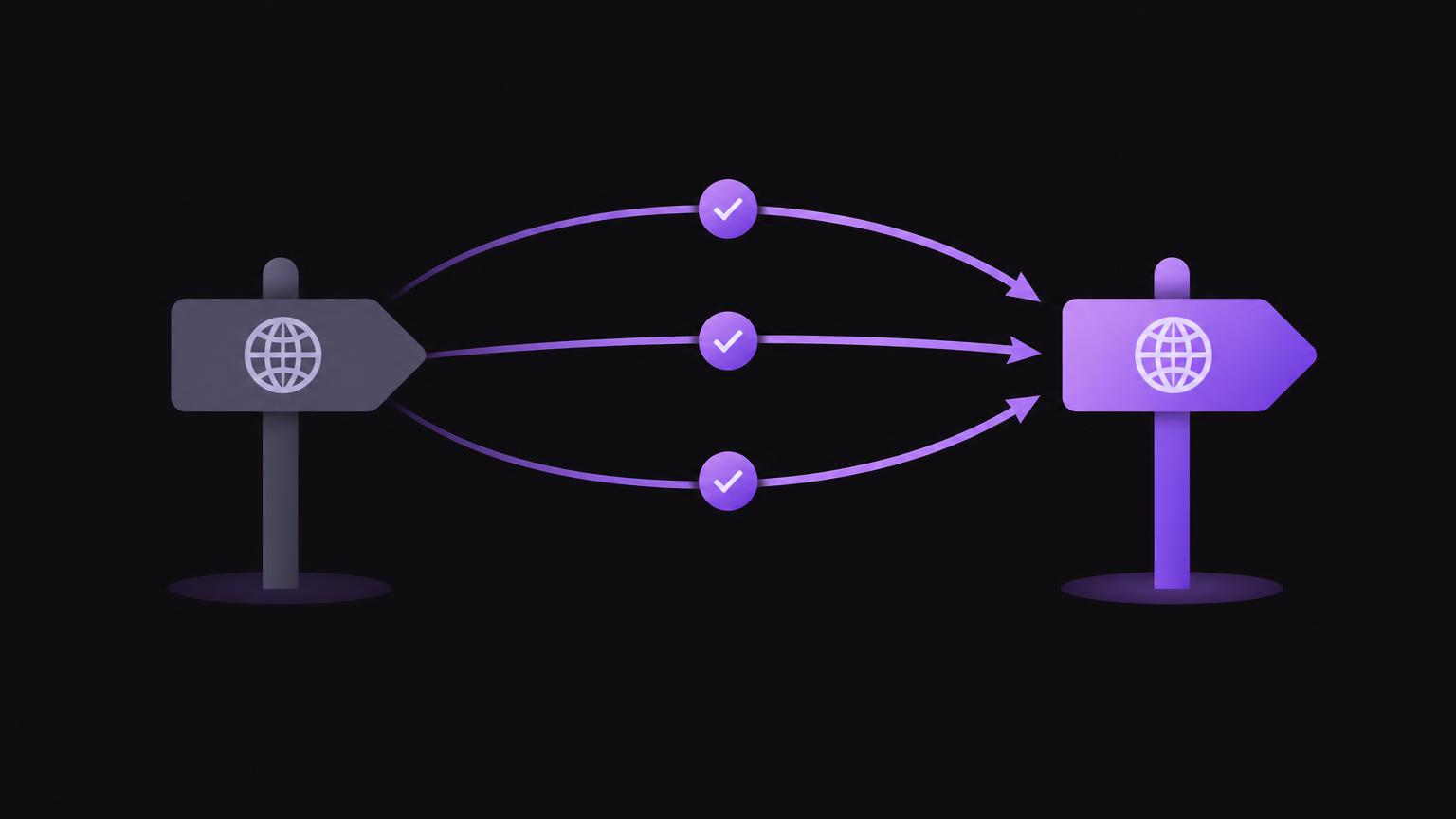
Changing domains involves more than the address displayed in the browser. Search engines, visitors, email recipients and external platforms may continue using your previous domain. Careful planning makes dependencies visible and gives your team a sequence for the changeover.
Even a well-prepared migration can bring changes in visibility. Search engines need to discover and process the new addresses. Treat the change as both a technical and editorial project, assign responsibilities and monitor the results after launch.
Why businesses change domains
Reasons include a new brand, a shorter and more memorable address, a changed company structure or the consolidation of several websites. Sometimes an existing domain is supplemented with a more suitable country-specific or branded address. First establish whether a complete change is really necessary or whether an existing address can be retained. This is a strategic decision, not simply a technical shortcut.
Define the objectives of the change and how you will assess its implementation. These might include functioning pages, accessible contact options, correctly redirected key addresses and traceable measurements. Do not assume that existing visibility will remain unchanged: crawling, processing and search results can change during a migration.
Preparation: record your domain, website and existing assets
Check the spelling, availability and registration terms of your intended new domain. It should be registered to the organisation that needs long-term control over it. Store login details securely and establish who may make changes at the registrar and within hosting, the website system and DNS. Your domain name, website contract and business email may be with different providers.
Create an inventory of the existing website. Export or record all accessible URLs, particularly frequently visited pages, forms, downloads, blog posts and pages linked to by external websites. Compare this list with the planned structure of the new website. Every important old address should have a relevant destination. If content is being removed, make a deliberate decision about whether an alternative exists or the address should correctly return an unavailable response.
Back up the DNS zone before changing records. Record the type, name, destination and existing values, including A, AAAA, CNAME and MX, together with SPF, DKIM and DMARC records. These settings can affect both the website and email. Do not delete existing records on a hunch. Establish with the relevant providers which values are still needed. Business email can continue on the old domain while the website is already accessible at the new address.
URLs, redirects and technical signals
Plan a permanent redirect from every important old URL directly to its corresponding new URL. Redirecting an old page to an intermediate address and then again to the destination creates a chain. Chains make processing harder and can add loading time. Check that the old address leads to the final destination in a single step wherever possible. Redirecting every page to the new homepage is rarely a good match because the expected content may be missing.
Update canonical references on the new website so that they point to the preferred new URLs. Adjust internal links rather than relying on redirects within your own website. Create an up-to-date XML sitemap containing the intended canonical addresses and submit it in Search Console. Check the relevant verified properties there and use the Change of Address tool if its requirements are met. Search Console does not replace testing or ongoing monitoring.
Check structured data containing the old domain or company details. This includes URLs for logos, profiles or other referenced resources. Ensure redirects do not accidentally disrupt important files, images or language versions. Analytics and other measurement systems should record the new domain correctly. Document changes so that discrepancies after launch can be understood.
| Check | Before the change | On changeover day | After the change |
|---|---|---|---|
| DNS and email | Export the zone and establish the providers involved | Change website destinations and preserve email records | Test the website and email reception |
| URLs | Create an inventory and map destinations | Activate redirects | Run spot checks and investigate errors |
| Search signals | Prepare canonical references and the sitemap | Submit the new sitemap | Monitor Search Console |
| Profiles | Inventory external addresses | Update important details | Recheck links and contact details |
Update external profiles and communication
The new domain should also appear consistently outside your website. Update important business directories, partner pages, advertising materials and signatures wherever you control them. Check your Google Business Profile and social media profiles for website addresses, contact details and links. On external platforms, editing, verification and display may happen at different times. Plan these steps early and keep a record of where the old address still appears.
Decide how email addresses will change. Inform staff and important contacts, test sending and receiving, and update reply-to addresses in forms, CRM systems and signatures. Do not immediately disable an old address if customers or ongoing processes still use it. Check before implementation how long the old domain and email address should remain operational. The old domain often needs to remain registered and technically managed so that redirects and previous email addresses continue working.
Discuss your planned domain change with us so that dependencies, responsibilities and next steps can be clarified.
Send a non - binding enquiryChangeover day: make the switch methodically
Define a time window, responsible people and a communication channel for incidents. Before starting, backups should be available and account access should work. First check the new website internally: key pages, forms, navigation, mobile display, redirects and the encrypted connection. Change DNS only according to the agreed plan. DNS updates can become visible at different speeds, so one successful visit is not complete proof.
After activation, test the website from different devices and networks. Check old URLs individually, particularly the most important entry pages and contact routes. Look for redirect loops, incorrect destinations, missing images, certificate warnings and error pages. Also test email sending and receiving at the relevant addresses. Record which checks passed and which outstanding issues still need attention.
Check and monitor
In the days and weeks after launch, regularly check server errors, redirect destinations, forms and measurement data. Compare the performance of important pages and search queries with the period before the change, while allowing for seasonal and other influences. Search Console notifications, indexing reports and performance data can provide useful indications. Data may not appear immediately and can change as processing continues.
Resolve identified problems in priority order: accessibility and incorrect redirects first, followed by missing content, internal links and external profiles. Maintain a list of findings, the person responsible and completion status. Do not let the old domain expire while it is needed for redirects, email or external references. Explicitly check its renewal and who is responsible for it. Organisationally, a domain change is complete only once operation and responsibilities are clear.
Shared domain - change checklist
- Prepare: record objectives, domain ownership, account access, website assets, the URL list and a DNS backup.
- Prepare: include email providers, email addresses, external profiles and measurement systems.
- Switch: confirm responsibilities, the time window, backups and the communication channel.
- Switch: adjust DNS according to plan and activate permanent, direct redirects.
- Check: test important new and old URLs, forms, mobile display, email and measurement.
- Monitor: regularly review Search Console, errors, visibility, external links and outstanding tasks.
Summary
- Record domains, account access, URLs and DNS records before making changes.
- Map important old addresses to the appropriate new pages.
- Set up direct redirects and test them.
- Coordinate your website, email and external profiles.
- Monitor technical errors and visibility after launch.
Frequently asked questions
Can a domain change leave visibility unchanged?
This cannot be guaranteed across the board. Search engines need to discover and process the new URLs; visibility may change during this period. Good planning reduces avoidable technical errors but does not guarantee a particular outcome.
Do I need to keep the old domain after the change?
If redirects, email addresses or external references still depend on it, it should remain managed. Check the duration and conditions before implementation.
Can business email stay with another provider?
Yes, your website and email do not need to use the same provider. However, DNS records such as MX and other email settings must be preserved and correctly coordinated.
Where should an old URL redirect?
Where possible, directly to the relevant new page. Avoid redirect chains or redirecting every page to the homepage.
When should Search Console be set up?
Check the required properties and access permissions before launch. After the change, you can monitor the sitemap, notifications and performance data and use the Change of Address tool where appropriate.
Sources
- Site moves with URL changesGoogle Search Central · checked on 2026 - 11 - 05
- Change of Address toolGoogle Search Console Hilfe · checked on 2026 - 11 - 05
- RegistrarsICANN · checked on 2026 - 11 - 05
Back to the top of the article