Web design · Assess your existing website sensibly
When should an existing website be redesigned?
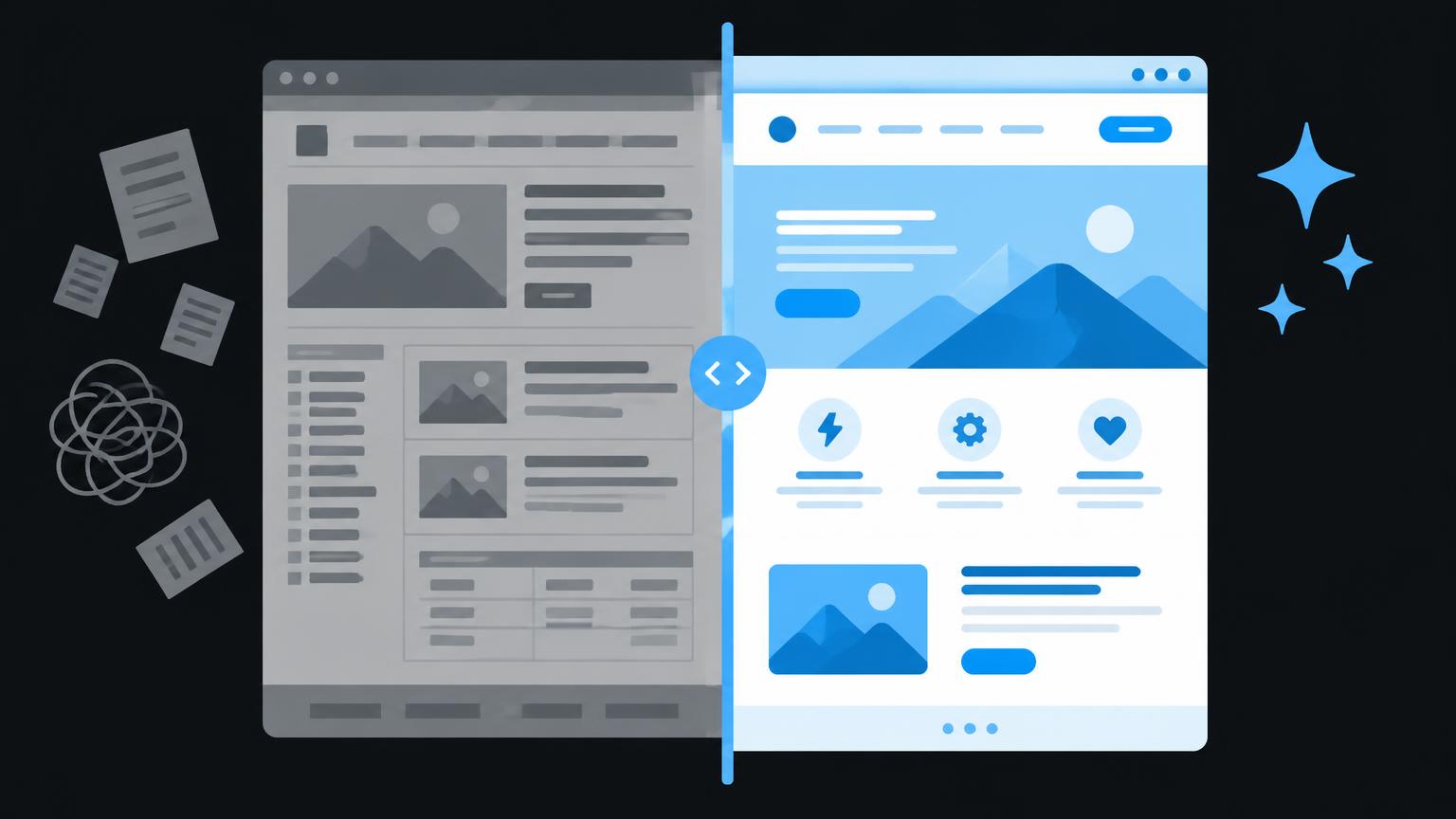
A website does not need rebuilding simply because it is a few years old. What matters is whether people understand what you offer, can complete important tasks, and your staff can maintain the content reliably. An understated design may still work well, while a new website can already have fundamental weaknesses.
Start by examining the actual obstacles. This guide separates design preferences from problems with content, usability and technology. It helps you make a reasoned choice between keeping your website, making targeted improvements and undertaking a comprehensive redesign.
1. Start with tasks rather than taste
Write down three things your website should achieve. These might include clear service information, relevant enquiries or reducing the workload at reception. Assign a specific page and a next step to each task. Without this connection, a discussion about colours can quickly become a substitute for resolving unclear objectives.
Ask someone with no prior knowledge to complete a typical task. For example, ask them to find out whether your company offers a particular service and how to make an enquiry. Observe where they hesitate. Do not explain how to use the site during the test, as this would conceal potential obstacles.
Separate observations from assumptions
A statement such as “The menu looks old” describes an impression. By contrast, “The service being sought appears under three similar terms” identifies a problem you can test. Record the screen, affected page, task and impact. This brief review prevents individual opinions from determining the entire investment.
2. Consider design and positioning together
Outdated design becomes relevant when it undermines navigation or credibility. Very small type, inconsistent spacing and competing highlights make reading harder. However, a new visual identity alone achieves little if the homepage still fails to explain who you work for and which needs you meet.
First, examine the messages in the initially visible area. Are your offering, target audience and next step clear? Do the images and text reflect your current activities? A company that now provides consultancy should not rely mainly on images of its former manufacturing operations.
The draft article What content does a good business website need? can help with your content review. The link is intended for the protected preview. Check not only the homepage but also frequently visited landing pages for individual services.
3. Review user journeys, mobile usability and enquiry routes
Unclear navigation often involves internal jargon, overcrowded menus and similar page names. Check whether every important service has an understandable place. A flatter structure is not automatically better: what matters is whether people can make the right choice without already knowing your organisation.
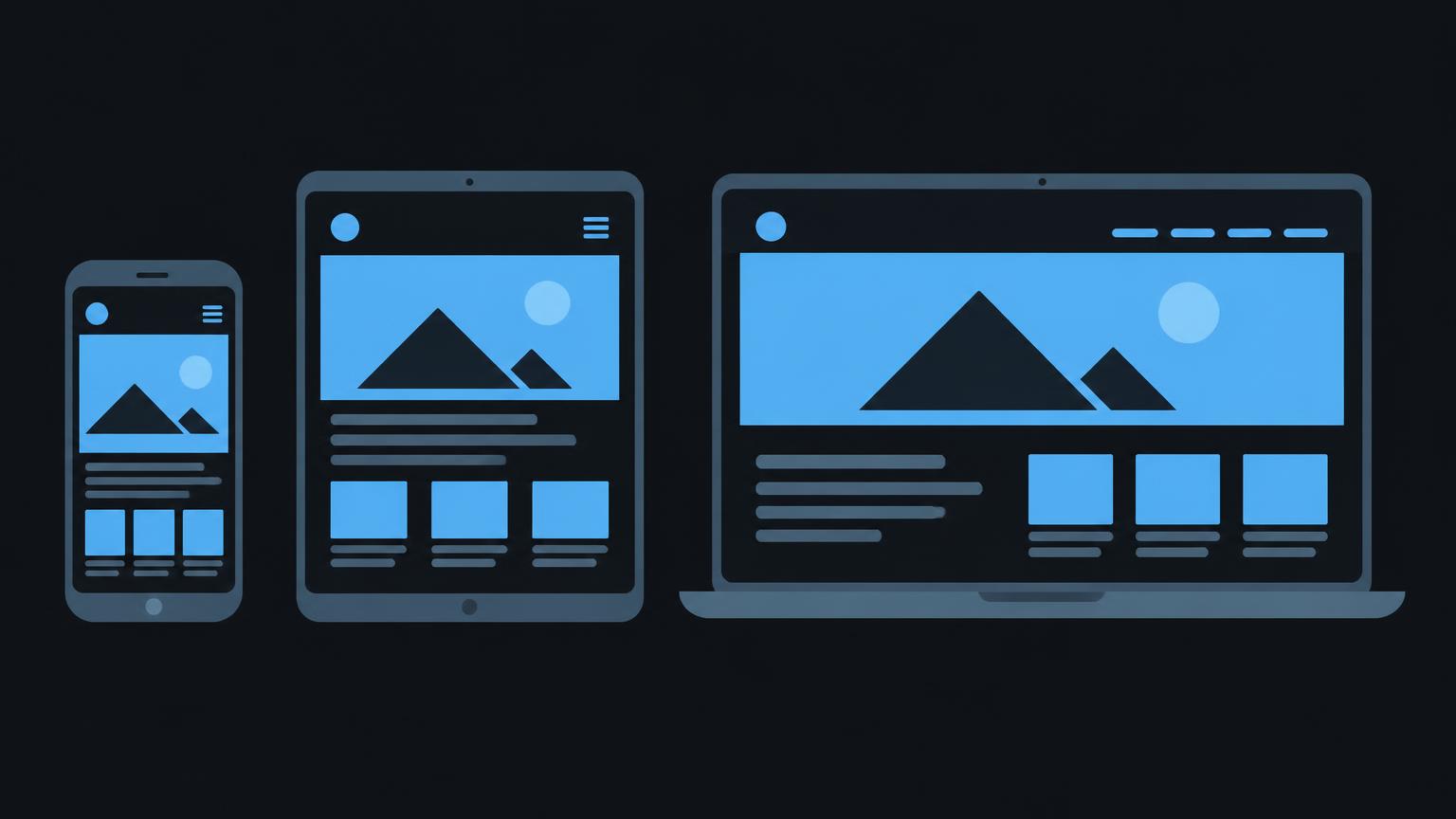
Open your website on a smartphone and a tablet. Read longer paragraphs, use the menu and test the form with the on-screen keyboard open. Horizontal scrolling, obscured buttons or tiny selection fields are specific areas for improvement. They do not yet prove that the entire system needs replacing.
Content can also cause a weak enquiry journey. Ask only for information you need to handle the initial enquiry. Explain what happens after submission and display understandable error messages. Also check whether enquiries actually reach the intended inbox and are assigned internally.
Consider alternative contact methods for people who do not want to use a form. However, a visible telephone number helps only if someone is available and responsibilities are clear. The preview article Responsive web design contains further checks.
4. Identify loading and technical problems
Slow loading can result from large images, embedded videos, external scripts or inefficient technical delivery. Examine several page types, not just the homepage. A single test on a fast office network does not reliably reflect use on the move.
Google’s Web Vitals documentation describes key metrics for loading experience, responsiveness and visual stability. Core Web Vitals comprise LCP, INP and CLS. These figures are diagnostic aids, not a complete assessment of clarity, accessibility or business value.
Interpret measurements correctly
Distinguish controlled laboratory tests from measurements of real-world use. A laboratory run helps isolate a problem; usage data reveals experiences under different conditions. Insufficient data does not prove either good or poor quality. Record the measurement time, device and tested page so that subsequent comparisons remain reliable.
Also compile a fault list covering broken links, failed downloads, display errors and unsuccessful form submissions. Separate isolated local problems from structural causes. A faulty extension may be replaceable; an unsupported system as a whole may require a more fundamental solution.
5. Assess content, functionality and ease of maintenance
Outdated opening hours, former employees and obsolete service descriptions directly undermine reliability. Record whether each page should be kept, revised, merged or removed. Rebuilding without this clean-up often transfers the same problems into a different layout.
Justify missing functionality through a specific workflow. Booking functionality makes sense when appointments, availability and confirmations are reliably managed internally. An additional feature without anyone responsible for it can create more work than it saves. First check whether a simple process already meets the need.
Also observe an everyday content update in the management system. Can the responsible person correct text, replace an image and preview the change? If every small adjustment needs technical help, delays result. Sometimes better templates and training are enough, rather than replacing the entire system.
For security and maintenance problems, the key question is whether they can be resolved. Establish which updates are available, whether extensions are maintained, how access rights are managed and whether backups can be restored. A new design does not fix insecure accounts. Active security incidents require specialist attention regardless of a later redesign and must not wait until the planned project starts.
If you would like to clarify your starting point, you can make a no - obligation enquiry through the website analysis service.
Send a non - binding enquiry6. Make results measurable without overvaluing the numbers
Many companies cannot identify which pages support useful enquiries. First define what makes an enquiry relevant. The raw number of form submissions says little if many are misdirected or incomplete. A simple internal classification can already provide valuable insight.
If technical analytics are introduced, clarify their purpose, data protection requirements and necessary consent in advance. Do not collect arbitrary data just in case. A lack of measurement is initially a gap in knowledge, not evidence that the website does not work.
Compare periods only with their context in mind. Seasonality, changed offerings and other advertising activities also affect demand. Record which changes were made and when. This allows a more objective assessment of improvements without presenting individual metrics as guaranteed business success.
7. Keep, improve or redesign?
| Option | When it fits | Next step |
|---|---|---|
| Keep | Tasks work and the technology is maintained | Set a maintenance schedule |
| Make targeted improvements | Problems are clearly defined and limited | Prioritise actions |
| Redesign | The structure and technical foundations no longer fit | Plan the concept and migration |
Keeping your website does not mean leaving it unattended. Plan content checks, technical maintenance and regular functional tests. Sound foundations can often serve you well for a long time, provided they suit your offering and workflows.
Targeted improvements are particularly worth considering when individual landing pages are unclear or contact routes become unnecessarily complicated. Define a manageable scope and verifiable acceptance criteria. After implementation, test the same tasks again instead of judging only the visual difference.
A comprehensive redesign becomes reasonable when several fundamental aspects no longer fit together: for example, an unusable page structure, an unsupported system and substantially changed services. Also compare the risks of gradual renovation. Not every technically possible repair makes organisational sense.
The local decision aid matches your own assessments to the options of keeping the website, making targeted improvements or undertaking a comprehensive redesign. It does not automatically inspect your website or store or transmit any entries. The result provides guidance for your next discussion and does not replace a technical or content review.
8. Turn your review into a sound project brief
Clarify these points before deciding
- Important tasks and target audiences are described.
- Problems are documented with the affected page and impact.
- Mobile usability and enquiry routes have been tested.
- Content and responsible people have been recorded.
- Maintenance, access and backups have been checked.
- Improvement and rebuilding are compared against the same intended scope.
- Acceptance and success checks have been agreed.
First prioritise obstacles that block important tasks. Then address improvements with a broad impact, followed by detailed design preferences. For each action, note the effort, dependencies and responsible person. This creates a practical sequence rather than an unwieldy wish list.
A website analysis can clarify unresolved questions about the existing site. If the causes have already been identified, website improvements may offer an alternative to rebuilding. These links describe different starting points, not mandatory steps that automatically follow one another.
Plan the transition when rebuilding
Record existing addresses, important content and contact routes before starting. Agree which pages will be retained, which redirects are needed and who will approve the finished website. After the switch, test forms, internal links and important landing pages in particular. A new layout alone does not constitute a complete handover.
Related reading in the protected preview is available in Website planning: questions before the project. Record your decision and reasoning in writing. This makes it possible to understand later why some problems were addressed first and others deliberately postponed.
Summary
- Decide based on tasks and problems, not age alone.
- Separate design, content, usability and technical causes.
- Consider targeted improvements before a complete rebuild.
- Plan maintenance, responsibilities and verifiable acceptance criteria.
- When changing systems, prepare content, redirects and functional tests.
Frequently asked questions
After how many years does a website need rebuilding?
There is no sensible fixed deadline. What matters is its tasks, technical support and fit with your current offering. Review its condition regularly and respond to specific problems.
Is a new homepage enough?
It may be enough if the rest of the structure works and only the initial introduction is unclear. However, also test service pages accessed directly. Many people do not start their visit on the homepage.
Do poor measurements automatically mean a rebuild?
No. Individual causes can often be addressed through targeted improvements. Only an investigation will show whether the problem lies in images, scripts or the technical foundations.
Does all the content need rewriting?
No. Accurate, useful content can remain. Check every text for currency, clarity and purpose. Do not retain it simply because it already exists.
Can improvements be made in stages?
Yes, provided the technical foundations are sound and the steps work together. Start with important tasks and define a verifiable completion point for each step.
What does the local decision aid provide?
It structures your assessment around keeping, improving or redesigning the site. It does not inspect an address or collect measurement data. Reliable technical conclusions require a separate review.
Sources
- Web Vitals | Articles | web.devGoogle · checked on 2026 - 11 - 05
Back to the top of the article