Online store · WooCommerce
WooCommerce Online store
created for you
A WooCommerce online store combines the freedom of WordPress with a flexible e-commerce system. Together, we plan the technical foundation, product range and purchase journey, then set up the shop to suit your content, operations and technical support arrangements.
WooCommerce is an e-commerce extension for WordPress. Elementor can support the design, but is not the actual e-commerce system.
WordPress as the foundation, WooCommerce as the shop
WooCommerce is an e-commerce extension for WordPress. Elementor can support the design, but is not the actual e-commerce system. This distinction matters because hosting, WordPress, the theme, shop and extensions all need to work together. We assess the entire setup, not just the visible design.
Visual demo · From website to shop
DEMO SHOP · ILLUSTRATIVE EXAMPLE
One product range.
A clear path to purchase.

CATEGORY
Product range and organisation
DEMO BASKET
Product → Purchase journey
Connect payment and shipping – no actual change.
Which shops is WooCommerce suitable for?
WooCommerce is particularly suitable where content and sales are closely connected or specialist product structures are needed. A shop can be added to an existing WordPress website without changing systems. Bespoke integrations and B2B workflows are possible, but require careful technical planning and ongoing support.
- 01
Existing WordPress websites
- 02
Bespoke shops
- 03
Content-rich websites with a shop
- 04
Specialist product structures
- 05
B2B solutions with suitable extensions
- 06
Digital products
- 07
Subscriptions with a suitable extension
- 08
Product bundles
- 09
Systems with bespoke integrations
- 10
Businesses with their own technical support
For platform-independent planning: Create online store.
Technical setup
02 / WooCommerce
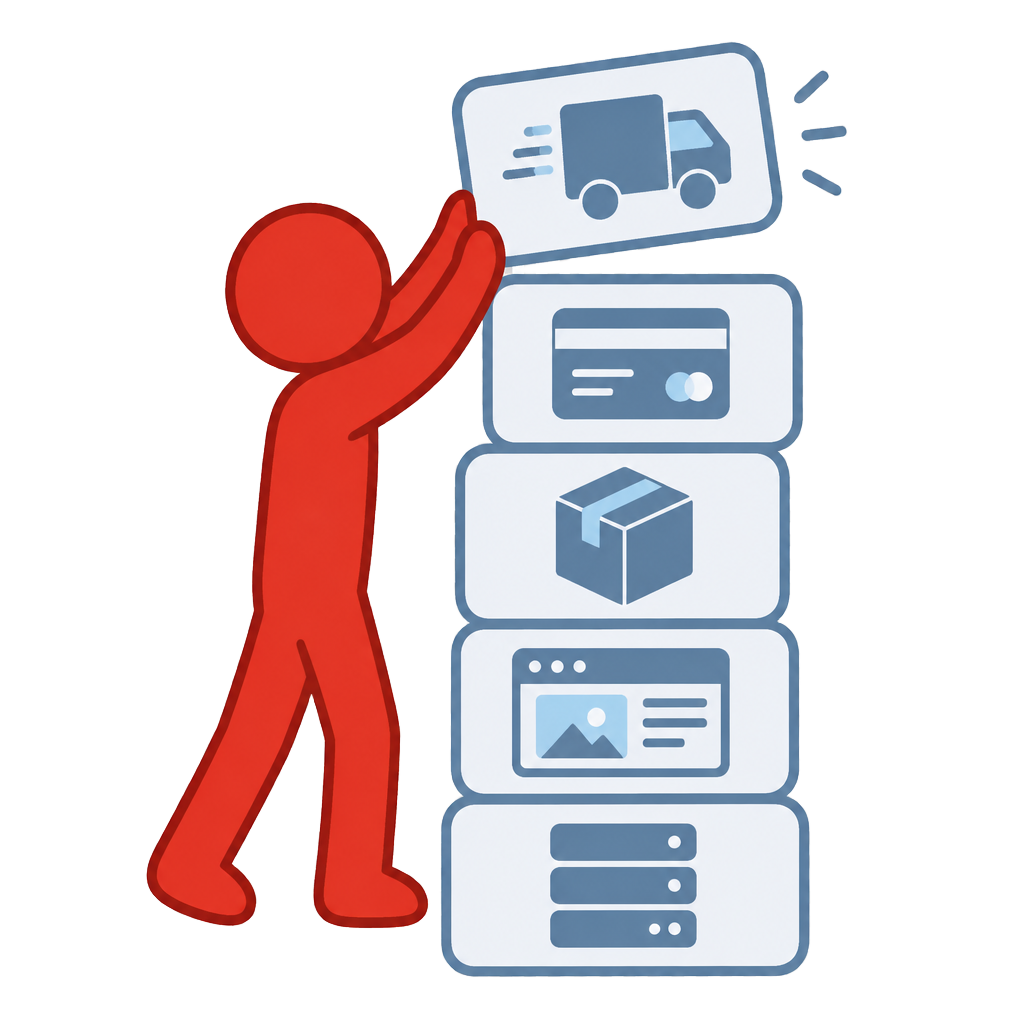
A WooCommerce shop consists of several layers: hosting, WordPress, the theme, WooCommerce, payment providers, shipping, extensions and content. In the interactive layer diagram, you can click each layer to learn about its role.
This perspective shapes our work. A decision at one layer affects all the others: hosting determines speed and stability, the theme determines design options, and each extension brings its own requirements. We document the setup so that the reasoning behind later decisions remains clear.
Visual demo · From product to order
DEMO SHOP · ILLUSTRATIVE EXAMPLE
One product range.
A clear path to purchase.
CATEGORY
Product range and organisation
DEMO BASKET
Product → Purchase journey
Select product type – no actual change.
Product types
03 / WooCommerce
WooCommerce supports different product types. In the interactive selector, you can switch between a simple product, variable product, digital product, grouped product and external product, as well as subscriptions and product bundles as possible extensions. The product preview changes with your selection.
The choice of product type affects stock, pricing, shipping and display. We define the right type for each product group and avoid unnecessary custom solutions. Extensions are only set up once the need is clear.
Variants and custom fields
04 / WooCommerce
Custom products need custom details. In the demo, you configure an example product: colour, size, material, personalisation, an extra option and quantity. The price and summary update immediately.
These input fields are implemented using suitable extensions or bespoke development. We assess which details are genuinely needed and ensure that additional charges and inputs remain clear to visitors.
Product bundles
05 / WooCommerce
Product bundles can be implemented in different ways. The demo shows a fixed bundle, a mix-and-match bundle, a volume discount and a subscription bundle as a possible extension. You can add and remove products; the overview updates accordingly.
Product bundle features and running costs vary depending on the extension used. We compare the options for your product range and document which extension handles which task.
Payment
06 / WooCommerce
Payment connects the basket, checkout, payment provider and order status. The schematic diagram shows this connection, and you can switch between generic payment methods. No specific availability is guaranteed.
The available payment methods depend on the country, currency and provider. Each integration is set up and tested individually. We document which provider handles which task so that issues can be identified more quickly later.
Delivery zones
07 / WooCommerce
Shipping is organised into zones. The interactive view shows Switzerland, Germany, Europe, collection and digital delivery. The shipping method and example costs change depending on your selection.
Shipping, customs, taxes and international delivery must be assessed individually. A shipping zone involves more than a price: delivery times, packaging and legal information are also part of it. We set up the zones based on your actual delivery areas.
Plugins and extensions
08 / WooCommerce
WooCommerce's strength is its wide choice of extensions. The demo shows generic categories such as payments, shipping, subscriptions, product bundles, multilingual support, accounting, inventory management, security, backup and caching. A visual system landscape grows as you activate them.
The more extensions are activated, the more apparent the maintenance workload becomes. Each extension needs to be maintained, checked and paid for. We recommend a deliberately small selection and document dependencies so that updates remain manageable.
Maintenance and security
09 / WooCommerce
A WooCommerce shop needs ongoing maintenance. The interactive check covers WordPress, WooCommerce, the theme, plugins, PHP and hosting, backups, the database and the payment integration. After you click Check shop, factual status messages appear, such as up to date, review recommended, backup available or testing recommended before updating.
The demo does not show fabricated security issues. In practice, we agree on a maintenance process with clear responsibilities: updates are tested, backups checked and changes documented. Security is an ongoing task, not a one-off state.
An existing installation can be assessed using our Online store analysis assess.
The purchase journey at a glance
10 / WooCommerce
From discovering a product to confirmation: the purchase journey takes you through product selection, variants, the basket, discounts, shipping and a checkout preview. This example shows a flexible product page with visible variants, extensions and the traditional basket structure typical of WooCommerce.
The demo does not place any orders, store anything or connect to any payment provider. The discount code DEMO10 is valid only in this preview. You can fully reset the demo at any time and start again.
How the systems differ
11 / WooCommerce
WordPress is the content management system. WooCommerce adds the shop features. Elementor can handle parts of the visual design. These three components do not compete with one another; they perform different tasks within the same setup.
For the website side of the system, see our pages on WordPress and Elementor. For platform-independent planning, we offer our Online store development service; we assess existing shops through our Online store analysis and make targeted improvements.
Carefully weigh up benefits and limitations
What the system can support
- High flexibility
- WordPress and shop in one system
- Wide choice of extensions
- Bespoke product structures
- Choice of hosting
- Support for extensive content
- Many integrations
What we check first
- Ongoing maintenance required
- Updates need to be checked
- Extensions can cause conflicts
- Hosting affects speed and stability
- Premium extensions may incur ongoing costs
- Security and backups must be actively maintained
- Complex shops need technical support
The flexibility of an open system is only useful if the chosen components can be maintained over the long term. Clear documentation of hosting, the theme and extensions makes future decisions easier.
Platform plans, apps, extensions and any payment or transaction fees are checked for each project using current information. The fictitious prices within the demos are for illustration only.
From planning to a well-maintained WooCommerce shop
- 01
Initial consultation
We clarify your goals, product range and current technical setup.
- 02
Goals and product range
Products, product types and sales channels are structured.
- 03
Shop structure
Hosting, WordPress, the theme and shop are clearly organised.
- 04
Design
The design reflects your brand and remains legible on all devices.
- 05
Products and features
Products, variants and extensions are set up.
- 06
Payment and shipping
Payment providers, shipping zones and legal information are configured.
- 07
Check
The purchase journey, integrations and display are tested using examples.
- 08
Introduction
You learn how to manage products, orders and content.
- 09
Publication
The shop only goes live once the agreed checks have been completed.
For an existing website, we first review the content, structure and planned changes. For the technical setup of your domain and email, we take into account Domain Support and Business email.
An existing shop needs the right next step
If you already have a shop, it is worth first taking an objective look at your product range, purchasing journey and maintenance. The Online store analysis helps put things into perspective; a Online store improvements focuses on agreed changes. Content, design and technical decisions are not optimised in isolation.
Product maintenance and brand content require clear responsibilities. The Website training can support the planned maintenance. For discoverability, we consider SEO search engine optimization and GEO optimisation without guaranteeing rankings or results.
Frequently asked questions about WooCommerce online stores
What is the difference between WordPress and WooCommerce?
WordPress is the content management system for pages, posts and content. WooCommerce is an extension that adds shop features such as products, a basket and orders. The two work together but perform different tasks.
What role does Elementor play?
Elementor can handle parts of the visual design, but is not the e-commerce system. Products, payments and orders are handled by WooCommerce. We decide for each project whether and where a visual editor makes sense.
Can a shop be added to my existing WordPress website?
In many cases, yes. We first review the hosting, theme, extensions and content to check whether the foundation can support a shop. Sometimes it makes sense to tidy up the technical setup first.
What ongoing tasks are involved?
Updates for WordPress, WooCommerce, the theme and extensions need to be checked and installed. Backups, security and the payment integration require ongoing attention. We agree clear responsibilities for these tasks.
Are subscriptions and product bundles possible?
Both are possible with suitable extensions. Features and running costs vary depending on the extension. We compare the options for your product range before making a recommendation.
Which payment methods are possible?
The available payment methods depend on the country, currency and provider and are checked for your project. Each integration is set up and tested individually. We do not make blanket promises about any particular payment method.
Is WooCommerce suitable for large shops?
In principle, yes, but the hosting, extensions and maintenance must be designed accordingly. Complex shops need technical support. We tell you openly if another system is better suited to your project.
What are the running costs of a WooCommerce shop?
Hosting, premium extensions and maintenance are assessed for each project. We do not quote fixed prices here, as costs depend heavily on the setup. You receive a clear overview of the planned ongoing commitments.
What happens if there is a problem with an extension?
Documentation and backups help identify problems and reverse problematic changes. This is why updates are tested first. An agreed maintenance process makes these situations manageable rather than unexpected.
Plan your WooCommerce online store with us
Describe your content, product range and current technical setup. We will determine how hosting, WordPress and the shop fit together.
Official platform information · checked on 03.11.2026
Original logo used to identify the platform, with no claim of partnership or certification.
Page sharing preview