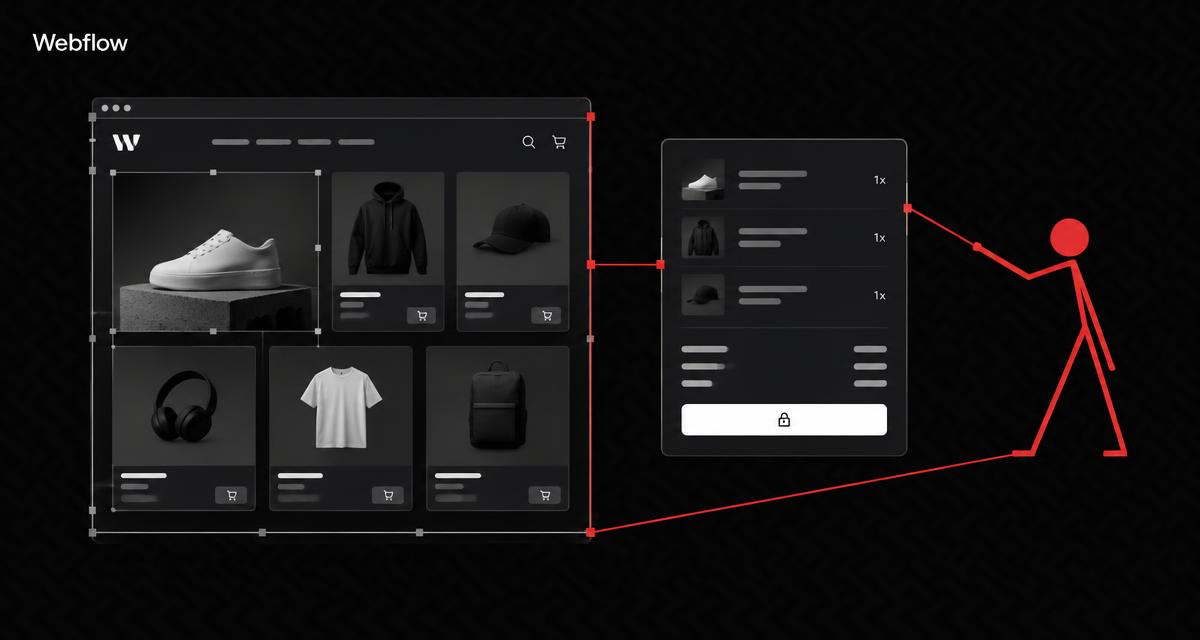
Online store · Webflow
Webflow Online store
created for you
A Webflow online store combines precise design with a path to purchase that can be planned down to the last detail. We design product pages, the basket and checkout around your brand identity, while honestly assessing the system's limits.
Design control right through to the basket
Webflow Ecommerce is suited to businesses where a highly distinctive brand identity and precise design matter more than an extensive selection of built-in shop features. We take this assessment seriously: this page also outlines the limitations so that you can make an informed decision.
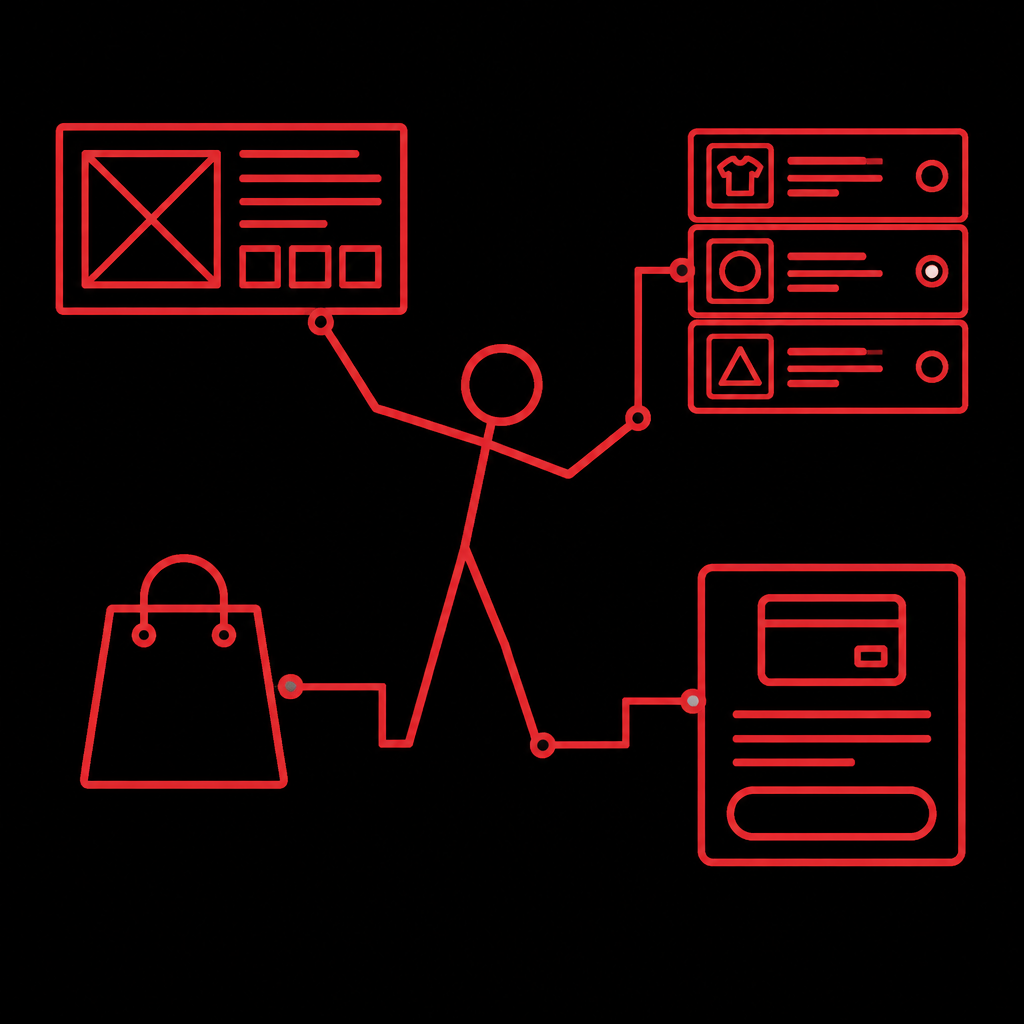
Visual demo · From website to shop
DEMO SHOP · ILLUSTRATIVE EXAMPLE
One product range.
A clear path to purchase.

CATEGORY
Product range and organisation
DEMO BASKET
Product → Purchase journey
Purchase journey is connected – no actual change.
Which shops is Webflow suitable for?
Webflow is particularly suited to shops where the brand identity drives sales and the range remains curated. A design brand needs product pages that feel like editorial pages. A product campaign calls for a visual journey that standard templates rarely offer. For very large or strongly international shops, we assess openly whether another system would be more suitable.
- 01
Design brands
- 02
High-quality product presentation
- 03
Smaller curated ranges
- 04
Product campaigns
- 05
Brand website with a shop
- 06
Products with a strong digital presentation
- 07
Shops with a bespoke visual journey
For platform-independent planning: Create online store.
Product and category collections
02 / Webflow
Products and categories are organised as collections in Webflow. In the interactive data view, you can edit the product name, category, price, variant, stock level, image and status. On the right, you can see the product card, category view, product page and a homepage section.
This structure requires careful planning: which fields does a product need, and which does a category need? We define the collections based on your range and ensure that your team can maintain the content without design knowledge.
Visual demo · From product to order
DEMO SHOP · ILLUSTRATIVE EXAMPLE
One product range.
A clear path to purchase.
CATEGORY
Product range and organisation
DEMO BASKET
Product → Purchase journey
Define collection – no actual change.
Design your shop live
03 / Webflow
Design control is Webflow's strength. In the demo, you can adjust the number of columns, card width, image format, padding, corners, typography and colour. The preview updates immediately, just as it does in the actual Designer.
This freedom calls for a systematic approach to decisions. We define grids, spacing and typography based on your brand and document the design rules so that the shop remains consistent as it expands.
Product animation
04 / Webflow
Motion can showcase products, but it needs to be used sparingly. In the demo, you can choose between fading in, scaling up, sideways movement, a mask reveal and no motion. You can see the effect directly on a product card.
Reduced-motion preferences are respected: visitors who limit motion receive a static view. For your shop, we define where motion supports sales and where it simply distracts.
Variants and basket
05 / Webflow
Many products come in several versions. In the demo, you can choose a colour, size and quantity, add the product to the demo basket, change the quantity, remove the product and reset the basket.
For your shop, we define which variants are actually needed and how they are displayed. The basket can be designed in Webflow; we ensure that each variant's price and availability are correct.
Checkout design
06 / Webflow
Checkout determines whether a purchase is completed. The simplified preview shows contact details, delivery, payment and a summary. Webflow allows certain checkout areas to be designed; the actual payment processing is handled by supported payment providers.
This distinction matters: design and payment processing are separate tasks. We design the available areas to suit your brand and set up the payment integration with the chosen provider.
Payment
07 / Webflow
Webflow directly supports the payment providers Stripe and PayPal. The demo shows only these two direct providers. Additional digital payment methods may be available through Stripe, but depend on the region and provider and are labelled accordingly.
We do not invent additional direct payment providers. We check which payment methods are actually available to your customers for the country, currency and provider. The selection is documented and tested before launch.
Delivery zones
08 / Webflow
Shipping is organised into zones. The interactive selection shows Switzerland, Germany, Europe, collection and digital delivery where the product is set up appropriately. The shipping method and sample price change depending on the selection.
Shipping, taxes and international delivery need to be assessed individually. A shipping zone involves more than a price: delivery times and legal information are also part of it. We set up the zones based on your actual delivery areas.
Multilingual support and limitations
09 / Webflow
This section is deliberately clear: Webflow Localize does not currently support Ecommerce products, categories or shop pages. The comparison view shows the difference: a standard content page can be localised, while a shop product remains excluded from this feature.
We do not promise a multilingual shop solution without first assessing another technical solution. If multilingual support is central to your shop, we discuss openly whether Webflow is the right system or whether an alternative would be a better fit.
Activation and planning
10 / Webflow
Activating Ecommerce is a crucial step. The interactive checklist takes you through activating Ecommerce, structuring products, planning categories, connecting payment providers, setting up shipping, checking taxes, testing checkout and launching.
Important: once activated, Ecommerce collections and reserved addresses cannot simply be removed again. We therefore recommend a test environment and careful planning before activation in the live project.
The purchase journey at a glance
11 / Webflow
From discovering a product to confirmation: the purchase journey takes you through product selection, variants, the basket, discounts, shipping and a checkout preview. This interpretation shows a design-led product page with a bespoke basket presentation, typical of Webflow.
The demo does not place any orders, store anything or connect to any payment provider. The discount code DEMO10 is valid only in this preview. You can fully reset the demo at any time and start again.
Carefully weigh up benefits and limitations
What the system can support
- Extensive design control
- Bespoke product pages
- Products and categories as collections
- Customisable basket
- Connect your brand website and shop
- Animations and visual guidance
- API and external connections possible
What we check first
- Limited choice of directly supported payment providers
- Ecommerce and Localize are not fully compatible
- Activation is not easy to reverse
- Features depend on the Ecommerce plan
- Complex extensions require external services
- Another system may be more suitable for very large or international shops
Creative freedom requires clear rules. Grids, typography and motion must be documented so that the shop remains consistent as it expands.
Platform plans, apps, extensions and any payment or transaction fees are checked for each project using current information. The fictitious prices within the demos are for illustration only.
From planning to a well-maintained Webflow shop
- 01
Initial consultation
We clarify your goals, product range and desired level of design customisation.
- 02
Goals and product range
We structure products, collections and sales channels.
- 03
Shop structure
We give collections, pages and navigation a clear structure.
- 04
Design
Grids, typography and motion reflect your brand identity.
- 05
Products and features
We set up products, variants and the basket.
- 06
Payment and shipping
Payment providers, shipping zones and legal information are configured.
- 07
Check
The purchase journey, presentation and management are tested using examples.
- 08
Introduction
You learn how to maintain products and content.
- 09
Publication
The shop only goes live once the agreed checks have been completed.
For an existing website, we first review the content, structure and planned changes. For the technical setup of your domain and email, we take into account Domain Support and Business email.
An existing shop needs the right next step
If you already have a shop, it is worth first taking an objective look at your product range, purchasing journey and maintenance. The Online store analysis helps put things into perspective; a Online store improvements focuses on agreed changes. Content, design and technical decisions are not optimised in isolation.
Product maintenance and brand content require clear responsibilities. The Website training can support the planned maintenance. For discoverability, we consider SEO search engine optimization and GEO optimisation without guaranteeing rankings or results.
Frequently asked questions about Webflow online stores
Which projects is Webflow Ecommerce suitable for?
Webflow suits businesses where a highly distinctive brand identity and precise design matter more than a wide range of built-in shop features: design-led brands, curated ranges and product campaigns. For very large or international shops, we openly assess alternatives.
Which payment providers does Webflow support directly?
Stripe and PayPal are supported directly. Additional digital payment methods may be available through Stripe, but depend on the region and provider. We check availability for your project and do not make blanket promises about any payment method.
Can a Webflow shop be multilingual?
Webflow Localize does not currently support Ecommerce products, categories or shop pages. We do not promise a multilingual shop solution without first assessing an alternative technical approach. If multilingual support is essential, we openly discuss possible alternatives.
Can Ecommerce activation be reversed?
Not easily. Once activated, Ecommerce collections and reserved addresses cannot simply be removed. We therefore recommend a test environment and careful planning before activating Ecommerce in the live project.
How much can the basket design be customised?
The basket and certain checkout areas can be styled in Webflow. The payment itself is processed by the supported payment providers. We design the available areas to match your brand.
Can I manage products myself later?
Yes, products and categories are set up as collections that your team can maintain without design skills. During the introduction, we demonstrate the intended maintenance workflows using typical products.
What happens if my shop grows significantly?
Another system may be more suitable for very large shops or those with extensive international operations. We are open about this and work with you to assess which platform will support you in the long term. Any later migration is prepared and documented, not improvised.
What are the ongoing costs of Webflow Ecommerce?
We check the Ecommerce plan and any external services against your project's requirements and current terms. We do not list fixed platform prices here because terms can change. You receive a clear overview of the expected ongoing commitments.
Plan your Webflow online store with us
Describe your brand identity and product range. We will assess openly whether the creative freedom outweighs the functional limitations.
Official platform information · checked on 03.11.2026
Original logo used to identify the platform, with no claim of partnership or certification.
Page sharing preview